Knowledge Base Management: 10 Best Practices
A well-run knowledge base deflects repetitive questions, speeds up resolution, and prevents your IT help desk from answering the same password reset question five times a day. A neglected one fills up with stale docs nobody trusts, and employees stop opening it.
Most knowledge bases underperform because nobody owns review, search, cleanup, or request-workflow integration. Management is the ongoing work of reviewing articles, adding new content, and retiring outdated docs, and it pays off in the long run.
The 10 best practices below cover the full lifecycle, so use them as a checklist before you add more tooling.
TL;DR:
- Knowledge base management is the ongoing work of keeping articles accurate, findable, and wired into request intake.
- Standardized templates, a fixed review cycle, named article owners, and deflection metrics are the practices with the biggest payoff.
- AI multiplies whatever knowledge base you already have, so governance has to come before automation.
- Siit connects your existing Notion or Confluence knowledge base to Slack and Microsoft Teams, so the right article surfaces before a ticket is ever created.
1. Choose the Right Tool and Make It Accessible
A bad tool creates friction you'll fight forever. Whether you're using Notion, Confluence, or Google Workspace, your KB needs to be usable in the way support already works. At a minimum, it should be centralized (one system of record, not scattered drive folders), accessible across teams, and integrated into your request-intake workflow.
When comparing tools, score each one against the capabilities that decide whether it gets used. Prioritize:
- Search quality, including synonym handling and typo tolerance
- Analytics on views, searches, and article helpfulness
- Native Slack, Teams, and ticketing-system integrations
- AI features like article suggestions and gap detection
- Role-based access controls for sensitive content
- Article template support
A lightweight tool with clean ownership and search usually beats a heavyweight library nobody maintains. If you need a starting point, tool comparisons narrow the field to platforms your team will actually use day to day.
2. Standardize Your Article Format
Inconsistent documentation is confusing to read and painful to write, and when instructions are too complicated, agents and employees stop trusting them. Write for someone mid-incident: plain language, short sentences, one action per step, no internal acronyms.
Every article should follow the same repeatable structure so readers take the same path to the answer:
- A quick summary of what the article covers
- Who it applies to (department, role, or tool)
- Step-by-step instructions or policy content
- Relevant links or request forms
- Related articles
- Last-updated date and a named owner (see practice 7)
Different questions need different article shapes: how-tos for setup, troubleshooting for “it's broken” scenarios, policy pages for rules and limits, and onboarding docs for new hires or tools. Picking the shape before writing keeps contributors from turning every answer into the same long, hard-to-scan page.
Write these choices down in a one-page style guide covering tone, naming, and formatting, and lean on common KB article templates to seed the formats your team fills in.
Reusable response templates close the loop by linking each article to a saved reply, so every response reinforces the same doc instead of retyping the answer.
3. Tag and Categorize Articles for Searchability
Even the best content is useless if no one can find it. People actually reach an IT knowledge base through search, so organizations have to prioritize search over browsing.
Use tags to group articles the way employees ask for help:
- Department (HR, Finance, Ops)
- Tool or system (Okta, Jamf, Google Workspace)
- Request type (Access, Troubleshooting, Policy)
Keep the tag list short enough that contributors apply it consistently, and review it during audits. Two other habits keep your KB findable as it grows:
- Pair tags with a taxonomy. A taxonomy gives every article one home; tags create pathways across it. Keep the tree shallow, use non-overlapping categories, and pick one primary structure (department, topic, or user role) instead of mixing them at the top level.
- Apply SEO basics. Use descriptive URLs, clear titles, and structured headings. Title articles the way employees phrase problems (“Reset your password,” not “Credential-recovery workflow”).
Done together, these habits give employees the same clean metadata to surface the right doc before someone submits a request.
4. Connect Your KB to Request Intake Workflows
Knowledge works best when it's built into request intake. An IT support knowledge base that lives outside the request flow becomes a destination employees forget to visit, so the goal is to move repetitive resolutions into self-service before a ticket exists.
When employees submit service requests from Slack or Teams, your service desk should suggest relevant articles before the request is created. The articles your help desk already uses to resolve tickets on first contact are the prime candidates for that self-service surface. If the article doesn't solve the problem, the employee still submits the request with all the context captured, and if you run a separate ticketing system alongside chat, article suggestions should fire at that intake point too. A Slack support setup makes this practical without a portal migration.
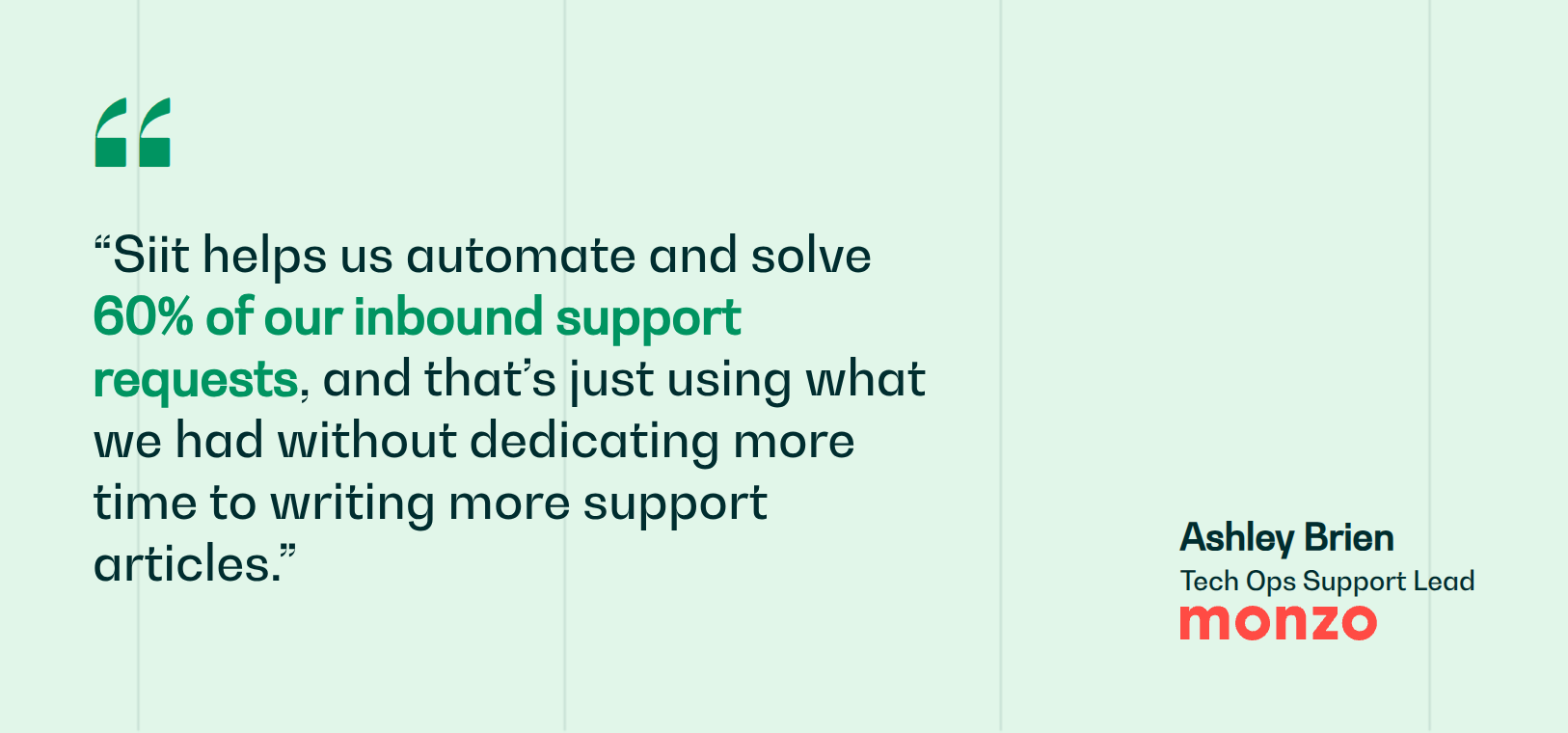
Monzo's IT team runs this pattern with a Notion knowledge base wired into Slack, automating and solving 60% of inbound support requests without writing new content. That is the payoff of putting the knowledge base on the request path: the answer reaches the employee before a ticket exists.
5. Turn Resolved Requests Into New Articles
Every resolved request holds an answer worth documenting, and an undocumented fix only lives in one person's head until they leave. Capture resolutions at the point of use, while the fix is fresh and in the words the requester actually used.
You don't need to document everything before launch. Pull the last 90 days of tickets, list the 10 to 20 questions that come up most often, and write those articles first, then expand as demand dictates. Always search the knowledge base before writing a new article; duplicates waste effort and split reuse.
Modern service desks can automatically draft an article from a resolved ticket and hold it for a human reviewer before it goes live. Agents should also have a one-click way to:
- Flag outdated articles
- Submit corrections
- Request new content
When the workflow sits next to the ticket, the KB grows in the same order as demand, and the loop shifts from re-answering repeat requests to documenting the root cause once and reusing it.
6. Keep Articles Up to Date With Review Triggers
Stale documentation erodes trust, and once an employee hits one outdated article, they stop relying on your KB altogether. Agents feel this first, since they're the ones apologizing for old screenshots, retired tools, and broken steps.
Freshness runs on two loops working together: scheduled cadences catch slow drift, and event-based triggers catch specific changes.
Scheduled cadences:
- Assign a named owner to each article
- Set quarterly review cycles by category
- Use your service desk's usage data to surface underperforming docs
Event-based triggers fire a review when:
- A tool changes (Jamf rollout updated? Refresh the Mac setup guide)
- An agent flags an article
- Helpfulness ratings drop
- Zero-result searches appear on topics you supposedly cover
Tag every article with the product version or date it covers so reviewers can spot drift at a glance.
7. Assign Ownership for Each Article
Documentation gets orphaned when no one is named as its owner. Assign every article to a specific person, not a team, because “IT owns this” means nobody owns it when the review comes due. Make the owner field mandatory, require it to be a current employee, and build a reassignment step into role changes and offboarding so ownership never silently expires.
The ownership model matters less than making sure every article has a current person attached. Common structures include:
- By team (IT owns device setup; HR owns onboarding)
- By system (one person owns all MDM docs)
- By lifecycle (the training team owns onboarding flow docs)
The person who wrote an article isn't always the right person to verify it. Review high-traffic content with the current subject matter expert, who knows what changed since publication.
Avoid the single-approver bottleneck too: appoint multiple gatekeepers with authority to add, remove, or change content without waiting on one busy person. A simple split works, where authors draft, SMEs verify, and gatekeepers publish, with everyone tagged in your service desk so a name is always attached when something needs a refresh.
8. Embed Knowledge in Slack and Teams Conversations
A knowledge base has to meet employees where they already ask questions, which for most companies means Slack or Teams rather than a portal bookmark. Recommendations landing in the same channel as the question are what decide whether employees trust the KB at all.
Article sharing should feel like part of the conversation:
- Wire your help desk to insert documentation links into replies using response templates
- Let Slack and Teams bots surface help docs during requests
- Push content directly into threads instead of sending employees away
The tools that do this well are built for chat from the start. Siit fits that pattern: it reads from your existing Notion knowledge base or Confluence library and answers directly in the Slack or Teams thread where the question was asked, so the knowledge base stays on the request path.
One caveat worth keeping in mind: any answer bot repeats whatever the library holds, so a stale article turns into a wrong answer delivered at chat speed.
9. Track Usage and Deflection With Analytics
If you're not measuring your KB, you'll keep polishing articles nobody reads while real gaps stay open. Start with the reports that connect documentation to support outcomes:
- Article usage (what's viewed vs. what's ignored)
- Deflection rate (how many requests were avoided thanks to knowledge)
- Article click-through from Slack, Teams, and the self-service portal
- Resolution speed with vs. without documentation
Those metrics show whether knowledge is being seen. The next layer shows whether it's changing outcomes:
- First-contact resolution (FCR): do agents find what they need quickly?
- Average resolution time: is knowledge cutting search and expert-wait time?
- Knowledge reuse rate: how often existing articles are referenced during resolution, a proxy for whether agents trust the content
- Self-service containment: the ratio of unique KB visitors to those who still submit a request, showing how much work the KB absorbs on its own
Two more signals point to where to invest next: zero-result searches surface content gaps in employees' own words, and viewed-but-rated-unhelpful articles give you a ranked rewrite queue. This is the same reporting layer that lets teams automate IT operations with confidence rather than by gut feel.
10. Create Department-Specific Article Views
When HR, Finance, Ops, and IT each run their own workflows, a shared knowledge base only works if every department sees a view shaped to its day-to-day requests. Views make a shared library feel relevant without splitting the knowledge itself.
Build department-specific views with tags and saved filters, use a self-service portal to expose curated knowledge collections, and let each team submit requests tied to role-personalized content.
Views control what people see first; permissions control what they can see at all. Decide explicitly who can view, edit, approve, and publish in each category. Permissions matter most when the same platform serves HR alongside IT, because payroll answers, compensation policies, and performance processes can't sit in a library that everyone can browse. Sensitive content and shared knowledge coexist only when permissions are built in from the start.
Documentation Is a Workflow, Not a Project
The best knowledge bases show up in conversations, workflows, bots, and self-service portals, not in a wiki people forget to open. Capture answers as you resolve requests, govern them with named owners and a fixed review cycle, reuse them on the next request, and measure what to improve. That is the difference between a static doc library and a support system your team actually uses.
Siit connects your existing Notion or Confluence library to Slack and Microsoft Teams, suggests the right article before a request is created, and surfaces zero-result searches and recurring gaps so you can see where documentation is thin. Teams like Monzo run this exact pattern to resolve the majority of inbound requests without adding writers.
Request a demo to see your knowledge base answering questions in Slack before a ticket is created.



FAQ

Modern service desks can draft articles from resolved tickets, pulling the problem statement, steps taken, and resolution into a starter doc. A human reviewer still needs to verify accuracy, add context, and tag the article before it goes live. The AI accelerates the writing but doesn't replace ownership, which is why every generated article still needs a named owner and a review date.
A wiki is an open, loosely governed space where anyone edits and structure emerges organically. A knowledge base is purpose-built for support: articles follow a consistent format, carry owners and review dates, and are designed to resolve specific requests. Wikis tend to sprawl and decay because nothing enforces upkeep, while a knowledge base ties each article to a real support need and a governance cycle that keeps it accurate.
Ownership should transfer as part of offboarding, not weeks later when someone notices a stale doc. Build a reassignment step into your offboarding workflow that flags every article the departing employee owns and routes them to a manager for reassignment. Without that trigger, articles quietly go orphaned and start feeding outdated answers into your support flow.
It depends on the audience. Internal knowledge bases serve employees and cover IT, HR, and operational requests, so they can reference systems and policies freely. Public ones serve customers and require tighter editorial control and no sensitive detail. Many organizations run both, and the governance discipline is identical: named owners, review cycles, and a consistent format. Scope and sensitivity change; the maintenance discipline stays the same.
Content can stay in the tool your team already uses, such as Notion or Confluence, as long as it surfaces where people work. The mistake is treating the repository as the destination and expecting employees to go find it. The more effective pattern connects that existing store to Slack or Teams so the right article appears at the moment of the request, which removes the “did anyone check the wiki” step entirely.