










.svg)

.svg)
.svg)





The phases to internal operational excellence
Prepare
Our team of experts will review and audit your existing infrastructure and scope the project. system. We’ll provide a plan tailored to your needs and timeline.
Set Up
Now it’s time to set up your Siit dashboard. Siit’s migration assistant tool will help with the migration history of pasts requests and map the exported data to Siit’s format. We'll configure the platform to meet your organization's needs, ensuring custom fields and critical data are included for optimal setup.
Test
Before fully migrating, it’s essential to test and validate the migration data. Siit will work with your team to verify the imported data is accurate, consistent and aligns with your workflows. We’ll ensure that everything functioning as expected and discrepancies are resolved.
Communicate
A well-executed communication plan is crucial for a successful transition. Our team will help you craft a rollout communication plan highlighting the benefits and impact of the change. We’ll provide you with clear instructions and timelines and templates so that your employees are confident in adopting the change.
Rollout
The go-live phase marks the official launch of Siit for your organization, with employees beginning to use the platform for their operations. During this hyper care phase, our team will be hands on deck to help address any initial challenges and ensure a smooth integration, paving the way for enhanced productivity and success.
Enterprise Ready Security




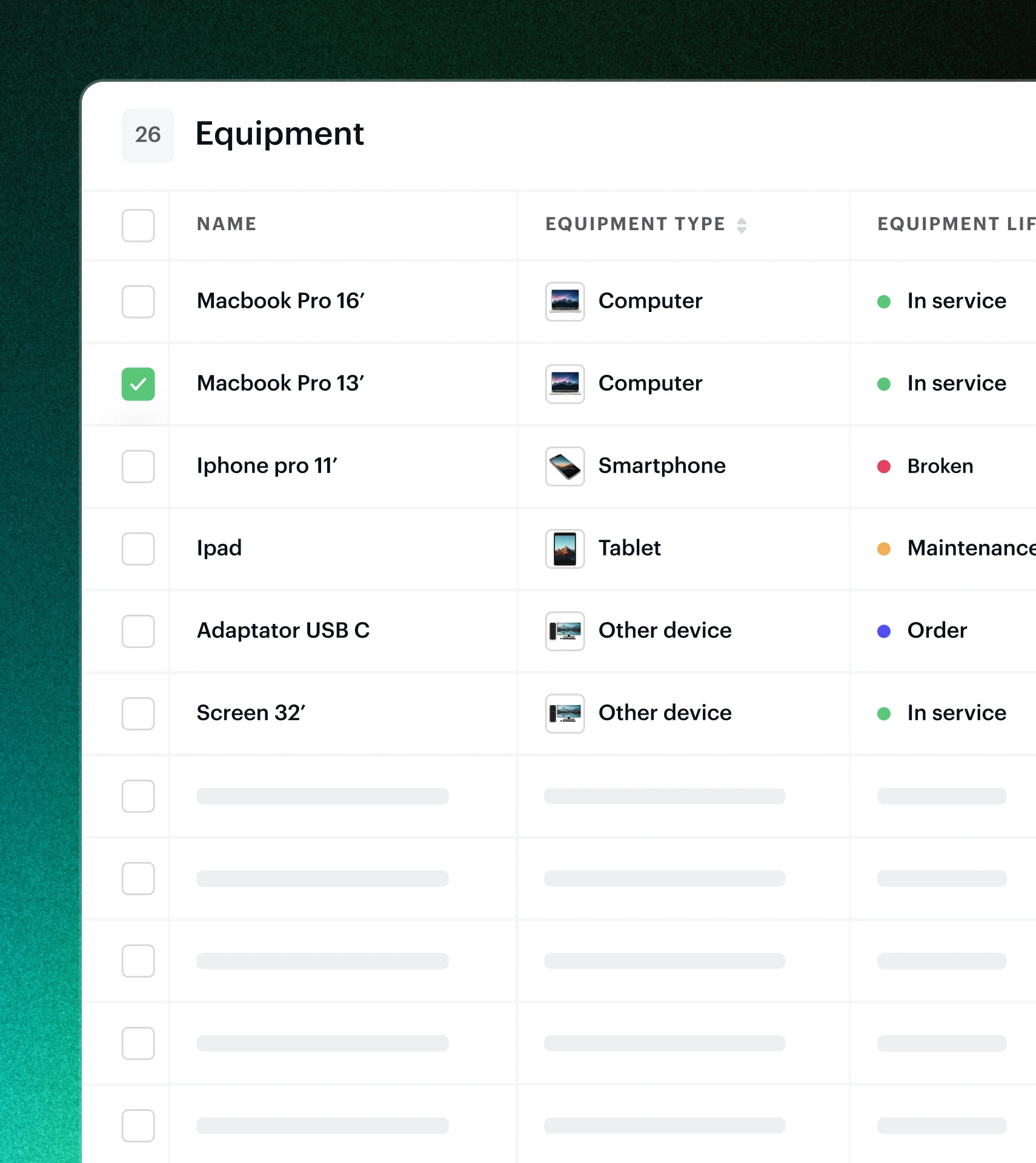

Track and manage your organization's assets from a single source of truth. See what's assigned, what's available, and where assets are in real time.
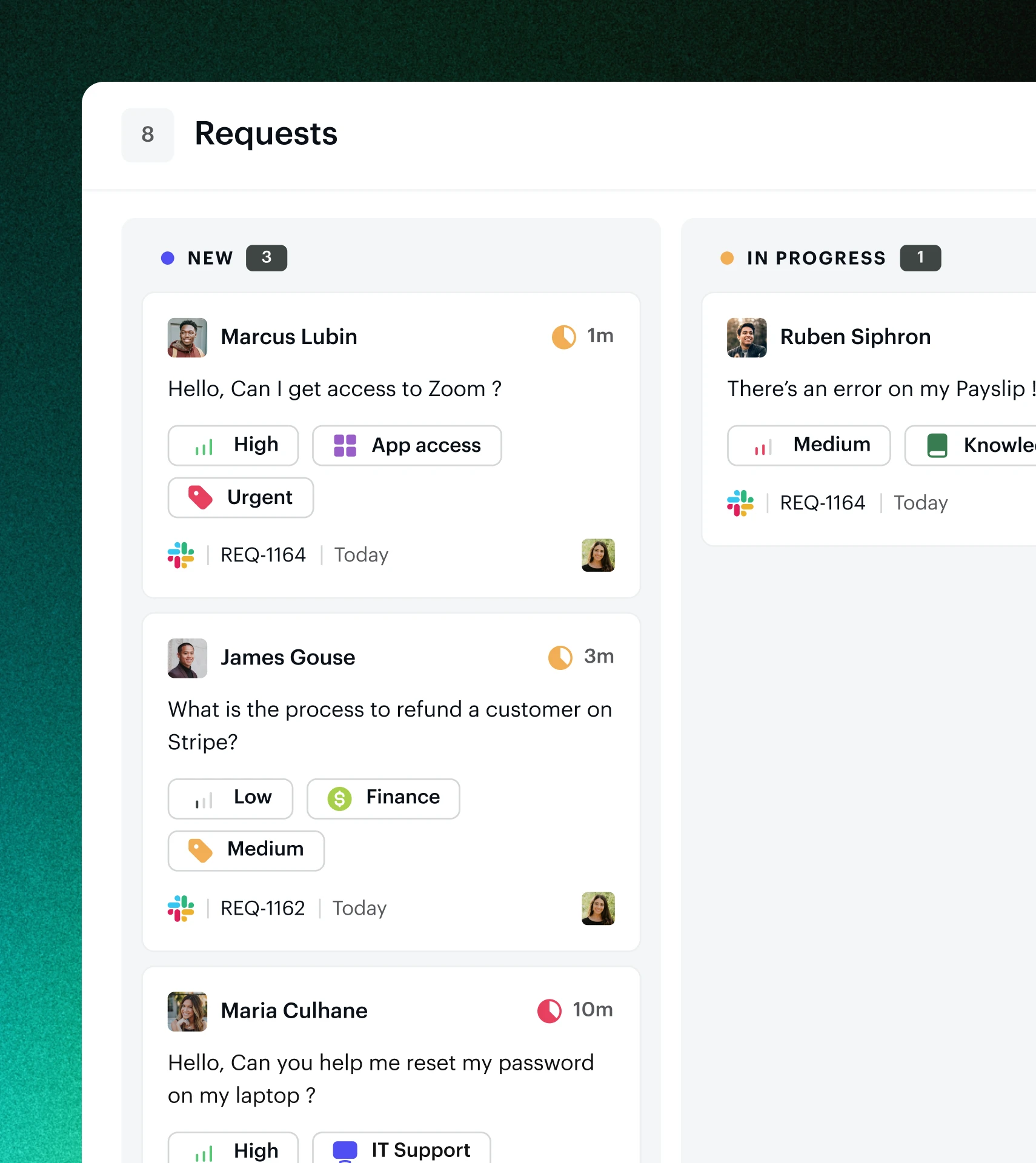
See and work on all your requests within one dashboard—even those from other systems. No switching or context gathering across tools.
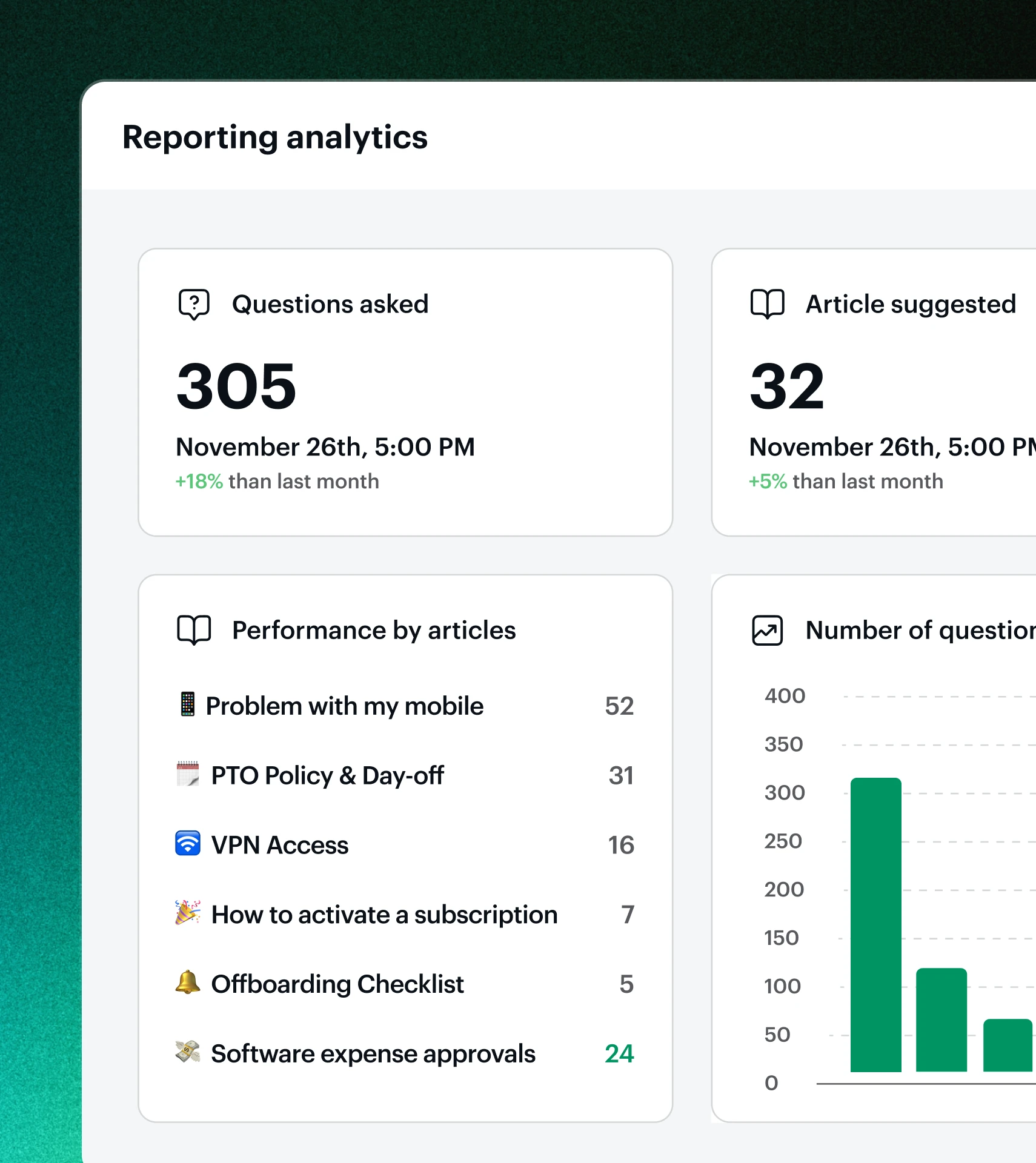
Measure the pulse of your IT and internal ops. Monitor performance, spot trends, track SLAs, and frequent issues. Spot patterns that reveal systemic problems.
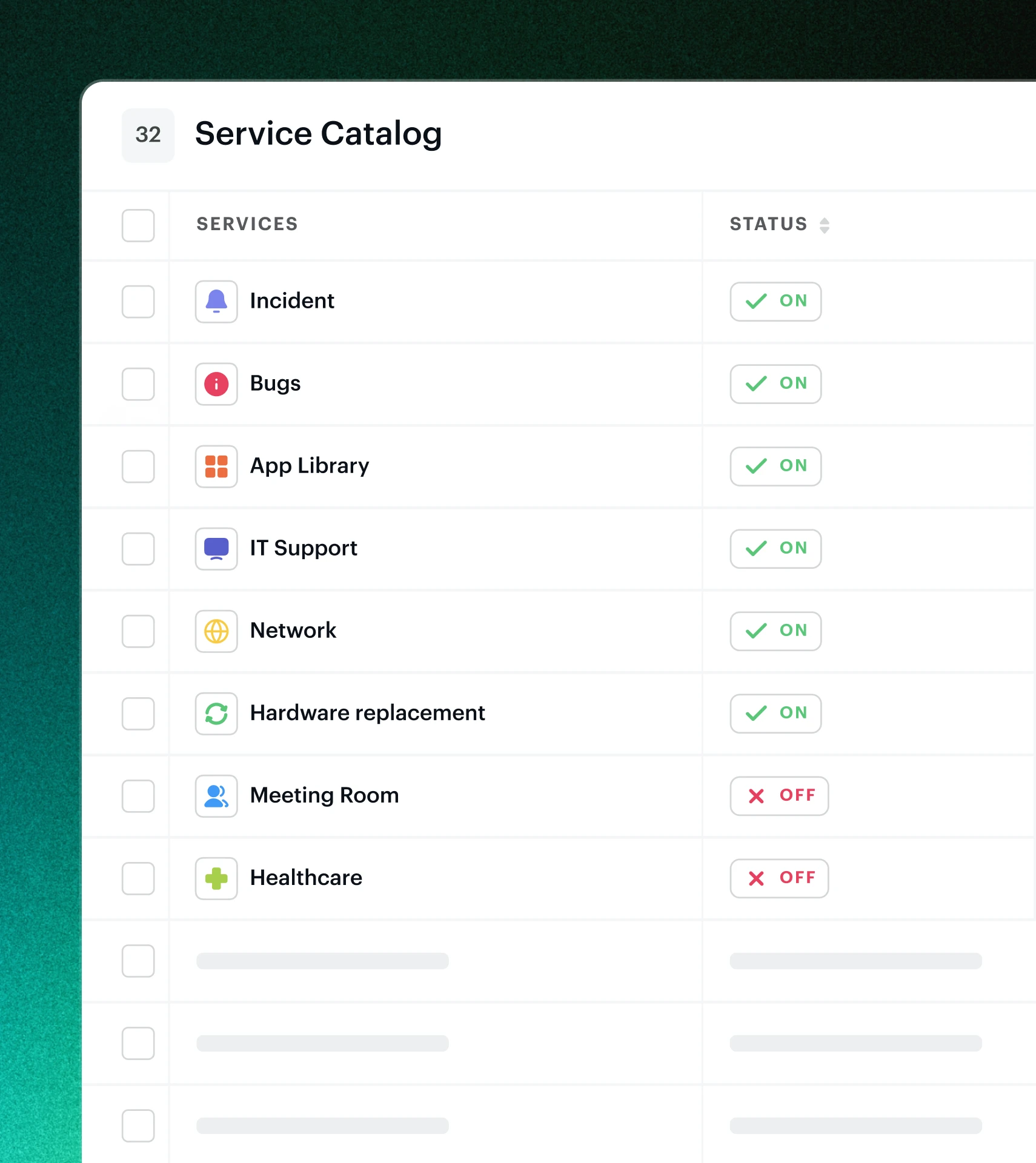
Measure the pulse of your IT and internal ops. Monitor performance, spot trends, track SLAs, and frequent issues. Spot patterns that reveal systemic problems.
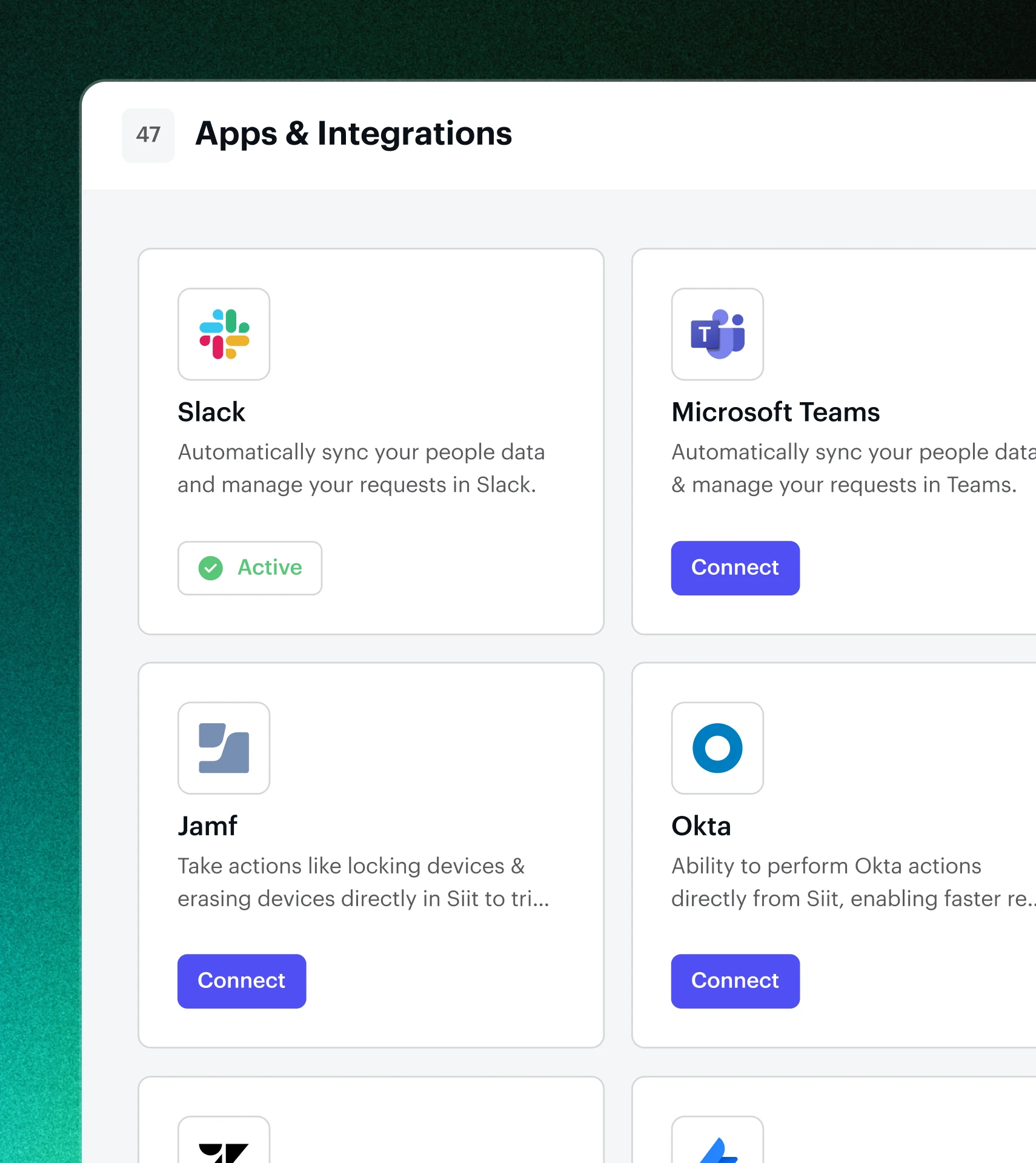
Instantly connect Siit to all the essential tools and platforms your teams already use.
Instantly connect Siit to all the essential tools and platforms your teams already use.
Pricing FAQs
How does Siit’s pricing work?

Siit offers simple, transparent pricing based on the number of Admins you choose. You only pay for what you need, no hidden fees, extra modules, or surprise add-ons.
What is a Siit Admin?
A Siit Admin is someone who manages and resolves requests.
Is Siit priced per employee or per Admin?
Siit is priced per Admin. You can support unlimited employees at no extra cost, and your employee headcount never increases your bill.
Can I trial Siit for free?
Yes, Siit offers a 14-day free trial with full access to all features.
How is Siit different from traditional IT service desks?
Siit works directly in Slack and Teams, uses AI and automated workflows to handle repetitive tasks, and makes it easy for employees to get help without logging into a separate tool.
Can Siit be used for teams beyond IT?
Yes, Siit supports all internal operations, including HR, Finance, Legal, Facilities, and more. Any team that handles employee requests in Slack or Teams can use Siit. With automated workflows for tasks like HR onboarding, expense approvals, or equipment requests, employees get fast, consistent support across the entire company.
How does Siit handle employee data?
Siit is GDPR compliant and SOC 2 Type 2 certified, meeting the highest standards of data protection. We use robust encryption, access controls, and secure infrastructure to keep sensitive employee information safe.