Request Management

Resolve requests automatically with complete operational context

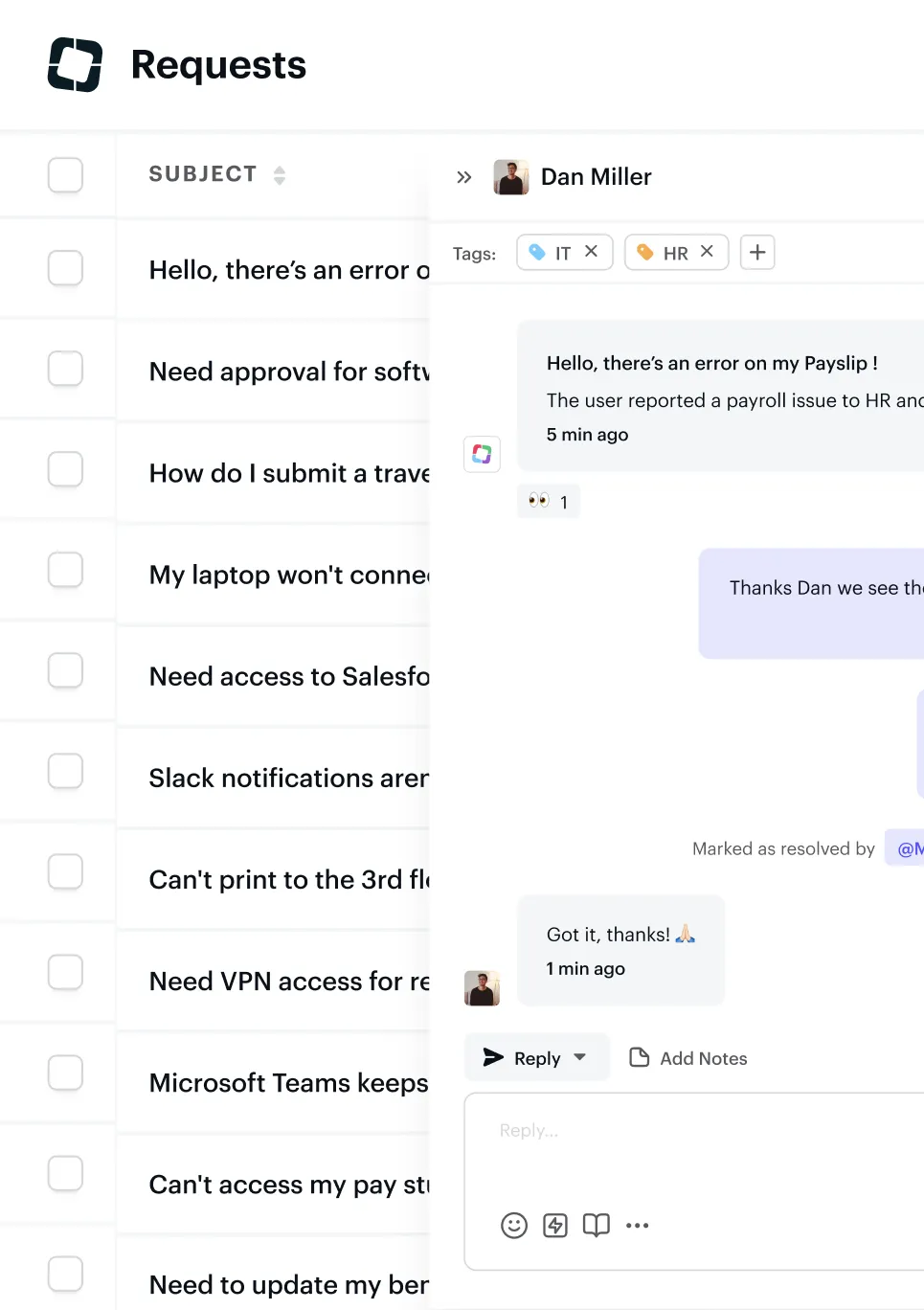
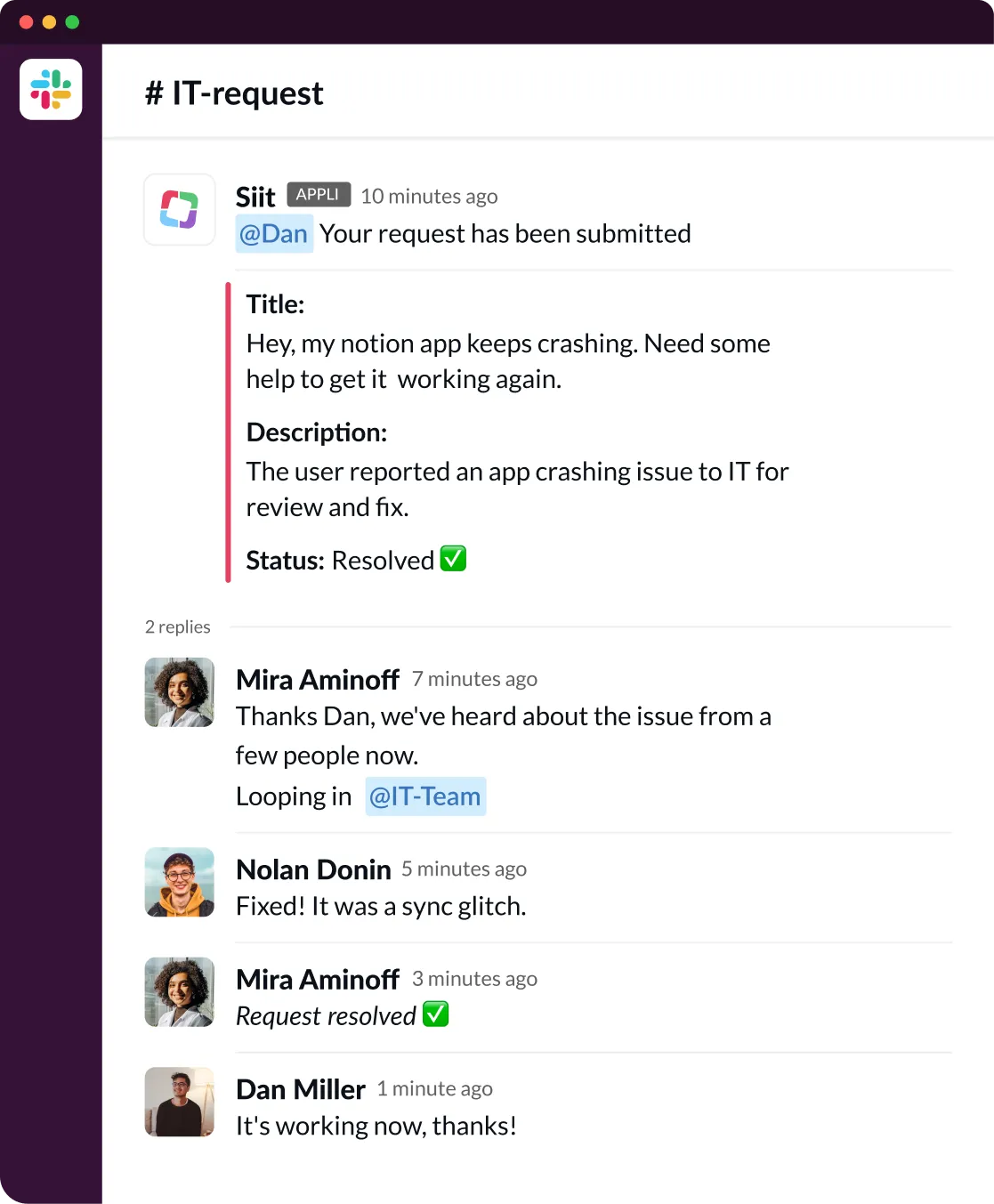
Customer support interface showing a list of IT support requests on the left, a chat conversation about a Notion app crashing in the center, and detailed request information with status, assignee, priority, and external links on the right.User interface showing a list of requests with subjects like software approval, travel submission, and laptop issues, alongside a conversation about a payroll error tagged IT and HR.Slack conversation in IT-request channel showing a user submitting an app crash issue, replies acknowledging and resolving the problem with a sync glitch, and final confirmation it is fixed.
Slack conversation in #IT-request channel showing a user reporting a Notion app crash, IT team fixing a sync glitch, and the user confirming the issue is resolved.
Trusted by the best

60% automated resolution

"We grew from 120 to 350 employees without adding IT headcount. Siit handles password resets, software access, and hardware swaps automatically. Our team focuses on complex projects instead of repetitive tickets."

Jared Allenbrand, IT Director

How it works

Request arrives, context assembled, workflows execute, impact measured.

1
Submit request
Slack
Microsoft Teams
Email
Siit Portal
2
Unify data
+21
HRIS
MDM
IAM
+14
Ticketing
3
Execute workflows
App access workflow
Onboarding workflow
Password reset workflow
+ Customizable workflows
4
Measure impact
Dashboard Analytics
SLA Performance
Satisfaction Survey
+ Additional metrics and reports

Key Capabilities

Employee information card for Dan Miller, Product Manager, located in New York, reporting to Jessica Lambert with contact details including phone, email, device, and links to Okta, Jamf, and Hibob profiles.

Unified operational data

Every request includes employee role, manager, equipment, permissions, and history.
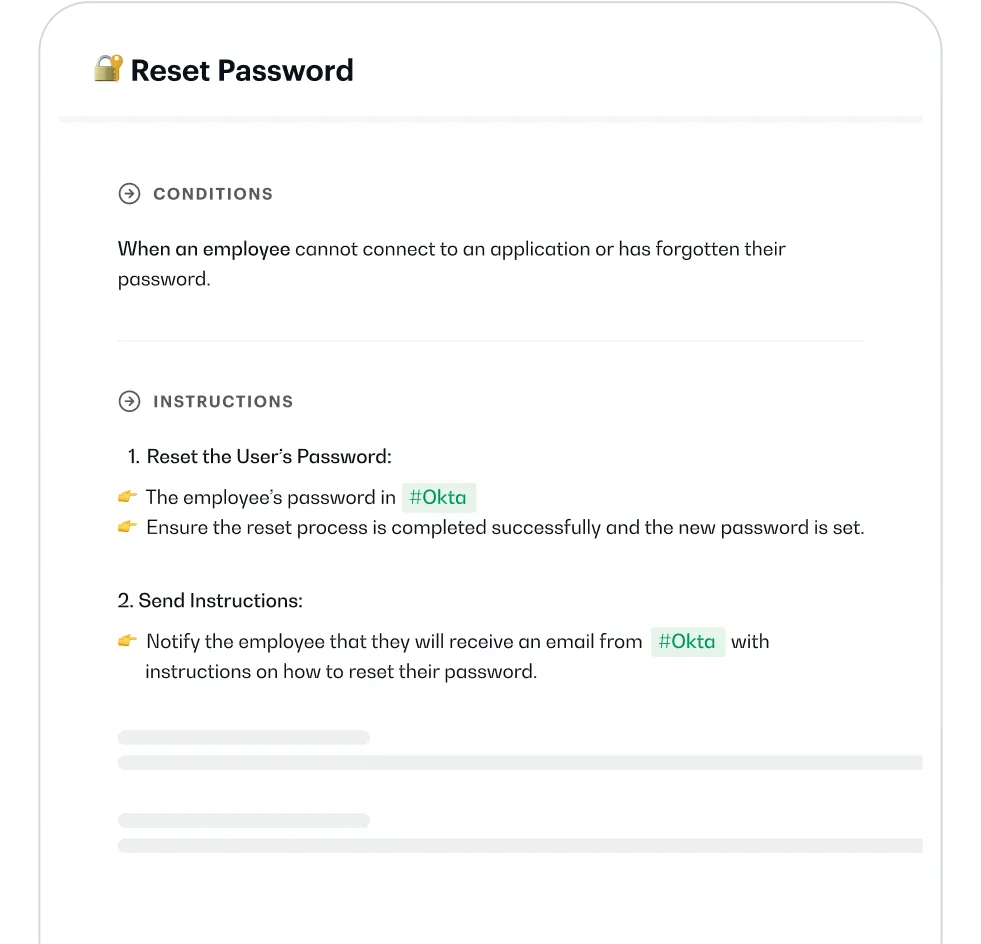
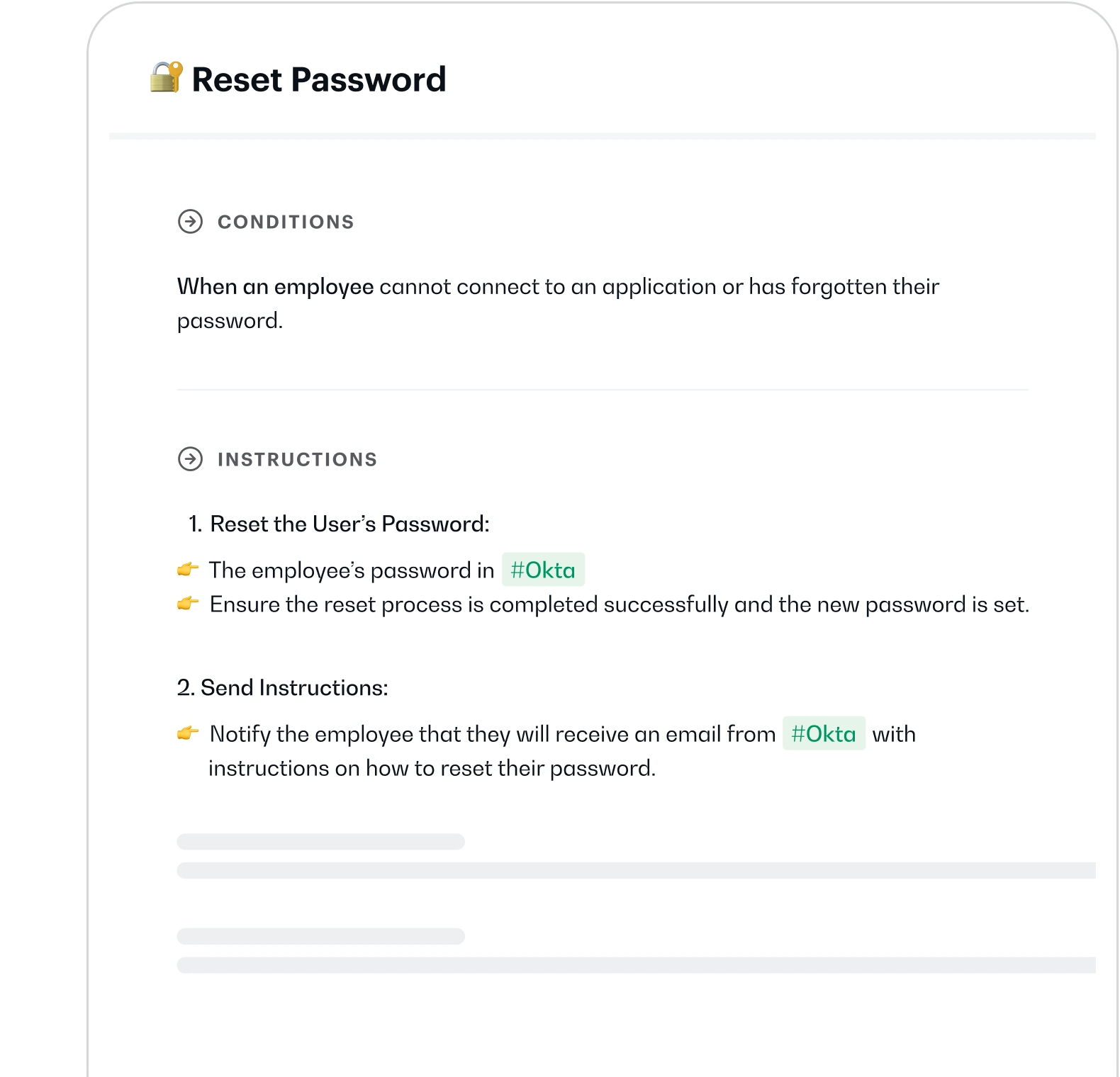
Reset Password instructions detailing conditions when an employee cannot access an application or forgot their password, and step-by-step instructions to reset the password in Okta and notify the employee.

Automatic resolution

AI follows your playbooks to resolve  requests—password resets in Active Directory,
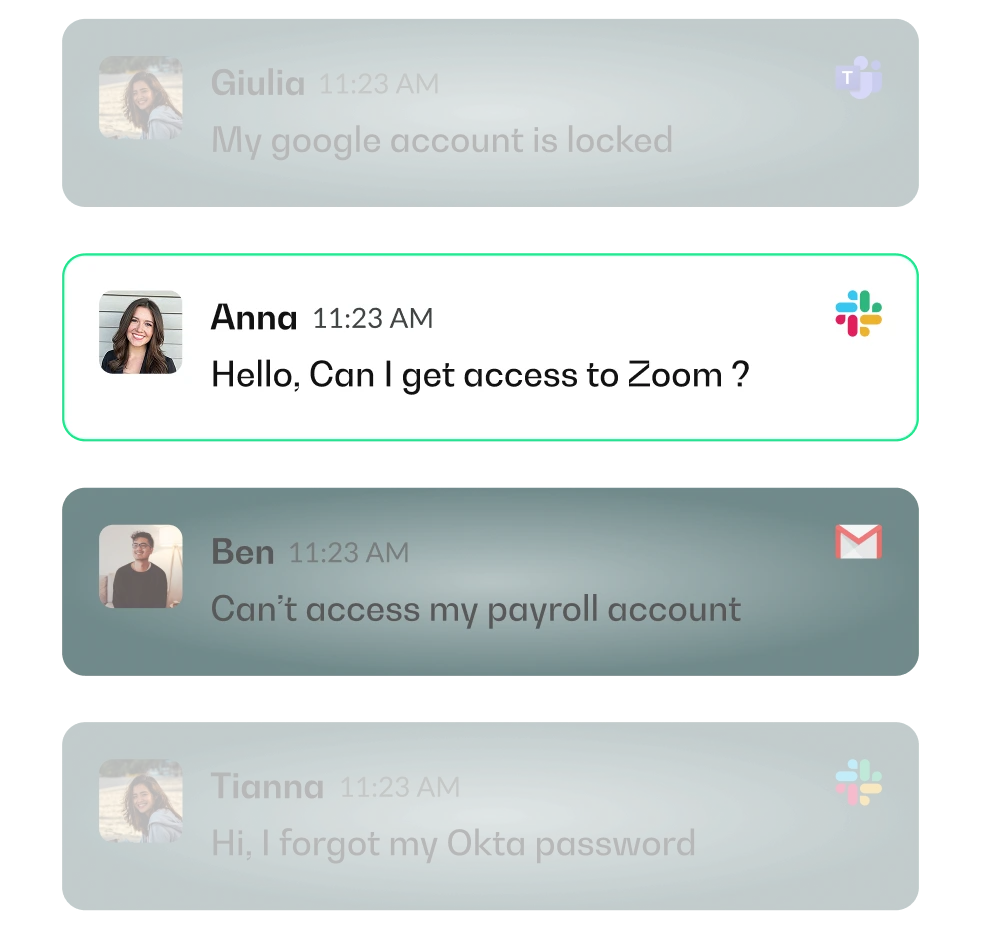
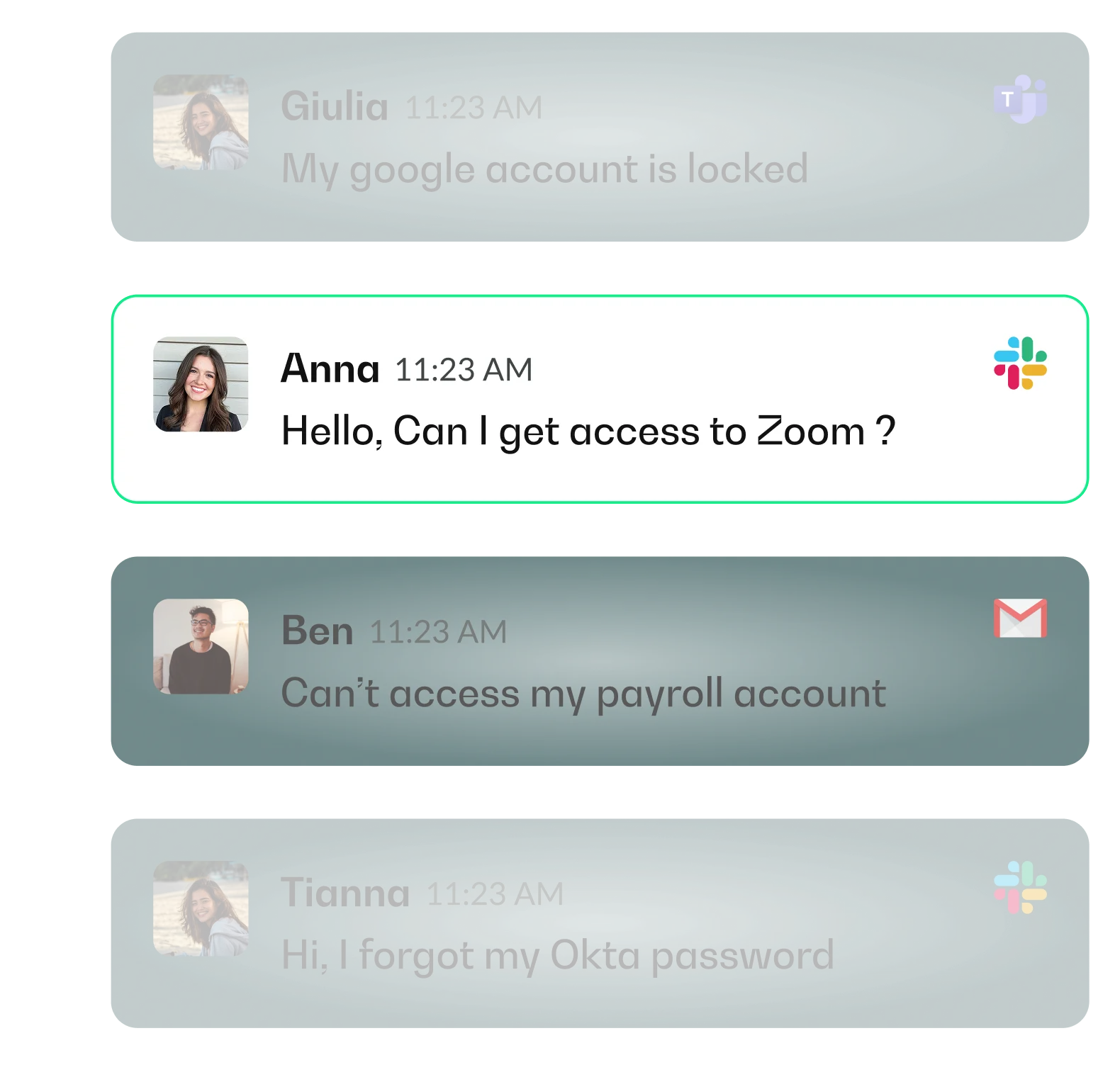
Four chat messages about account access issues from Giulia, Anna, Ben, and Tianna with their profile pictures and app icons for Microsoft Teams, Slack, and Gmail.

Omnichannel support

Requests from Slack, Teams, email, or portal flow into one unified inbox.
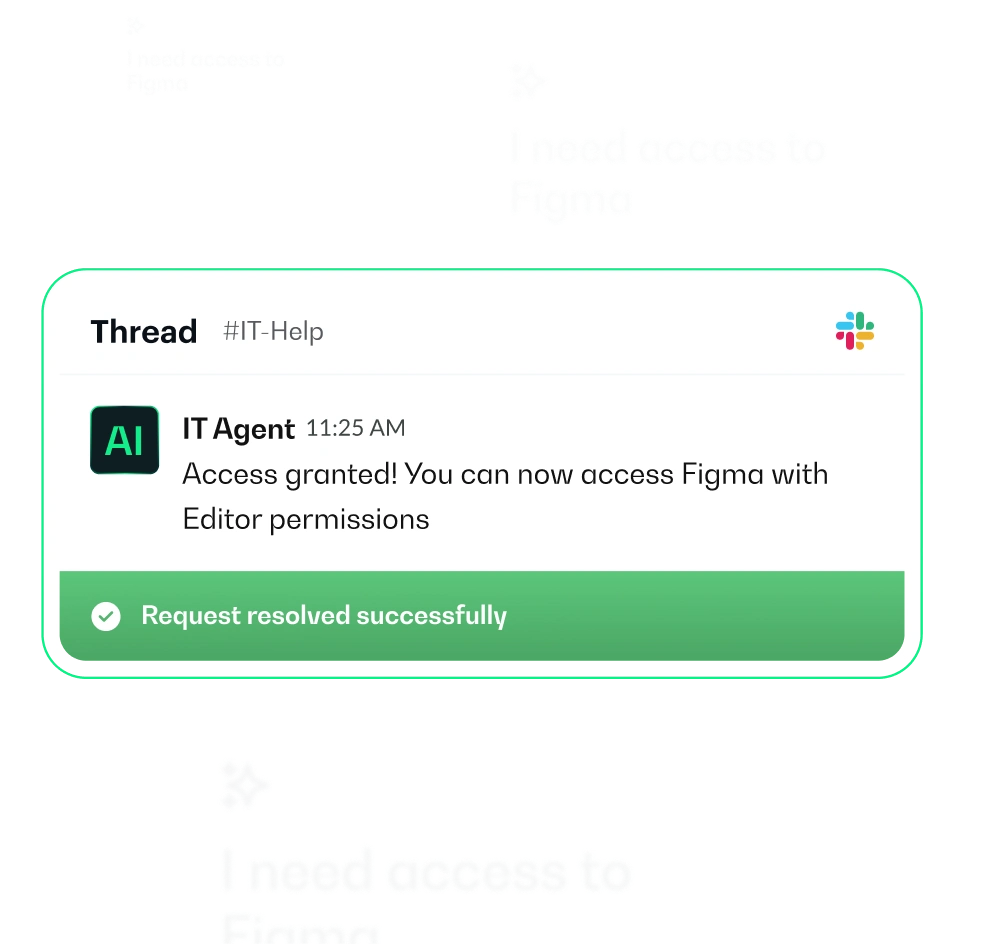
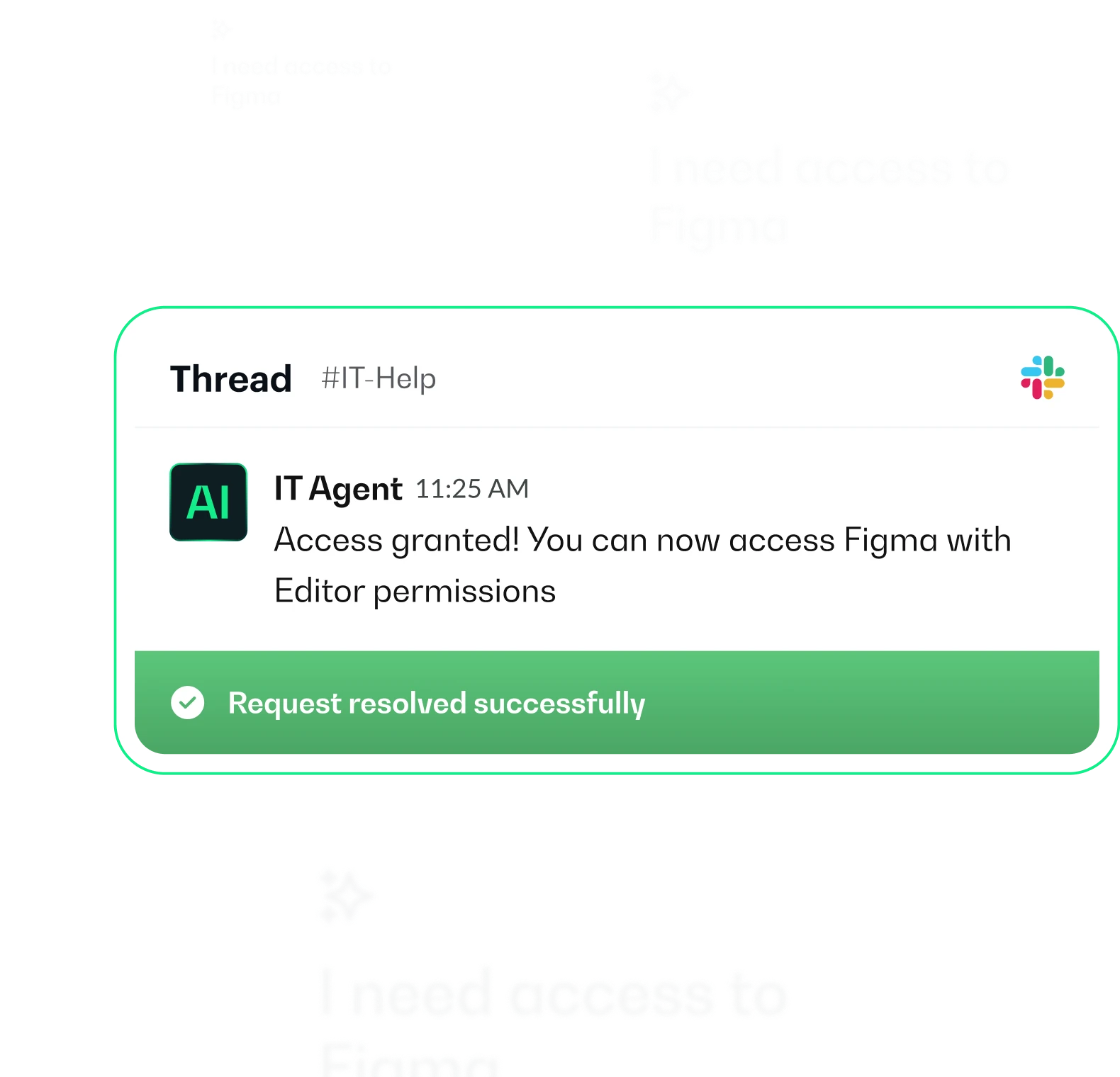
Slack message from IT Agent in #IT-Help channel stating access granted to Figma with Editor permissions and request resolved successfully.

Human + AI for complex requests

When requests need human judgment, your team gets complete context and AI assistance.
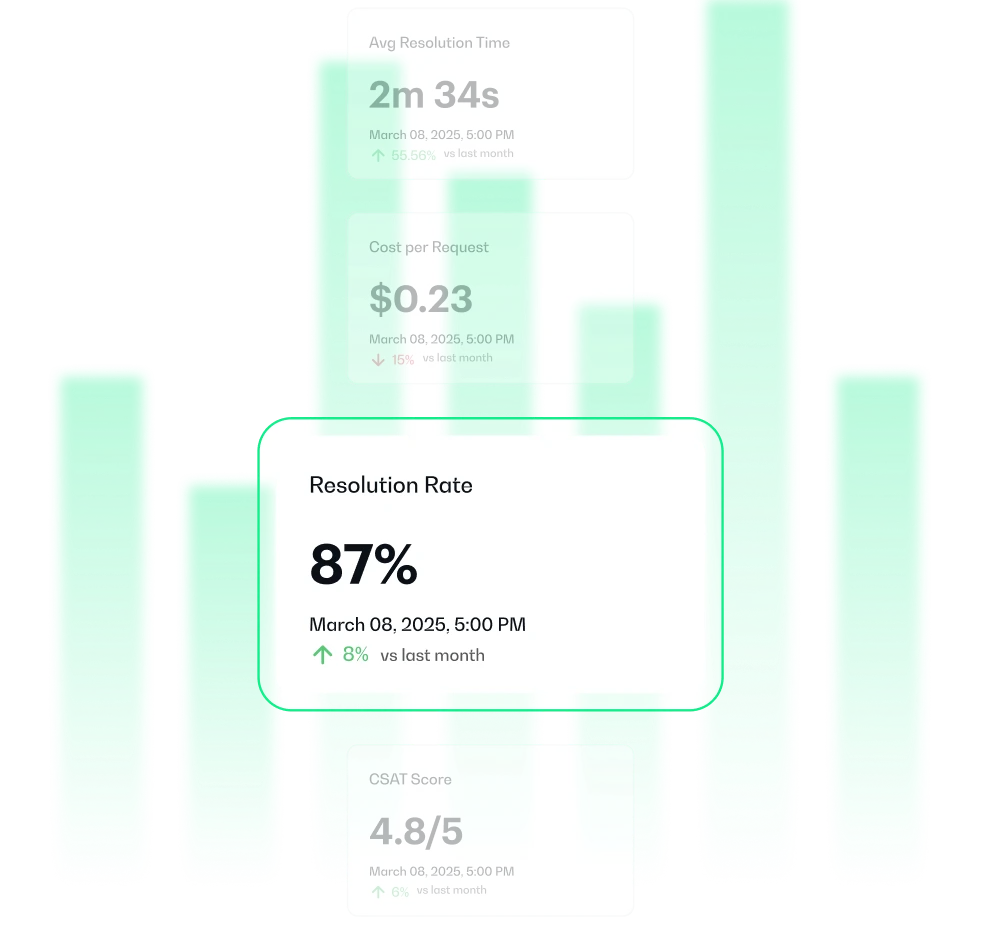
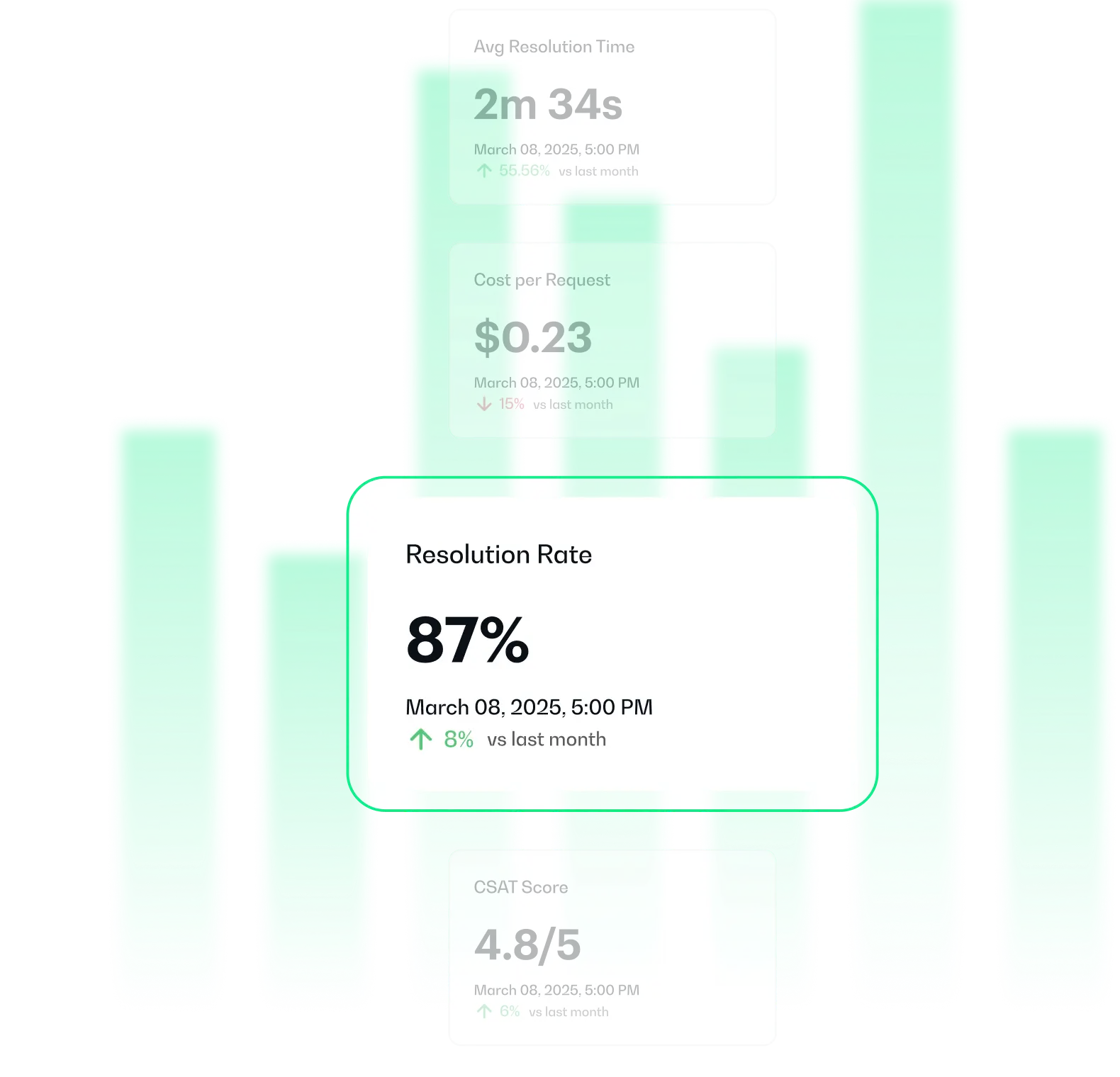
Bar chart showing performance metrics: average resolution time 2 minutes 34 seconds, cost per request $0.23, resolution rate 87%, CSAT score 4.8 out of 5, all dated March 8, 2025 with small percentage changes compared to last month.

Complete visibility and control

Track resolution rates, costs, SLA performance, and bottlenecks in real-time.

Employee information card for Dan Miller, Product Manager, including photo, department, manager Jessica Lambert, location New York, phone +1 212-555-0123, email, MacBook Pro 16, and links to Okta, Jamf, and Hibob profiles.
Reset Password instructions showing conditions when an employee cannot connect or forgot password, steps to reset user password in Okta, and send email instructions from Okta.
Chat messages from Giulia saying her Google account is locked in Microsoft Teams, Anna requesting access to Zoom in Slack, Ben unable to access payroll account in Gmail, and Tianna forgot her Okta password in Slack.
Slack thread message from IT Agent confirming access granted to Figma with editor permissions and request resolved successfully.
Bar chart displaying key performance metrics: Average Resolution Time 2 minutes 34 seconds, Cost per Request $0.23, Resolution Rate 87%, and CSAT Score 4.8 out of 5, all dated March 08, 2025, with percentage changes compared to last month.

Works with your 
existing stack

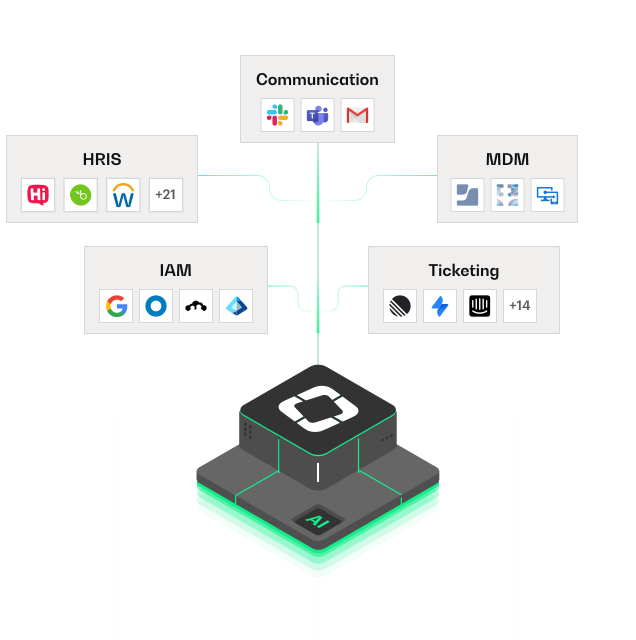
One platform, complete context. Siit connects to your HRIS, MDM, IAM, and communication tools so every request has full context from across your stack, enabling instant, accurate resolutions without jumping between systems.

Explore all integrations

One platform for every team

One platform, unified data, automated workflows for 
every team—start with IT, scale across the company.

Two horizontally aligned green rounded rectangles with a white horizontal line near their top edges.