










Popular comparison

Notion vs Confluence Comparison Guide 2026

Compare Notion and Confluence to determine the best fit for your team—whether you prioritize flexible all-in-one workspaces or structured documentation with deep Atlassian ecosystem integration.

Tools > Popular comparison >
Notion
vs
Confluence

Choosing between productivity platforms can make or break your team's workflow. Notion and Confluence represent two different philosophies: flexible, all-in-one customization versus structured, enterprise-grade collaboration. Understanding which approach fits your team's needs will determine whether you're building efficient workflows or fighting your tools daily.

Notion vs. Confluence at a glance

Both platforms aim to centralize team knowledge and streamline collaboration, but they take fundamentally different approaches to achieving these goals.

Feature Notion Confluence
Purpose All-in-one customizable workspace Enterprise collaboration and documentation hub
Best when you need Flexible workflows and consolidated tools Structured knowledge management and team alignment
Primary user(s) Small to mid-size teams, creative professionals Large enterprises, software development teams
Headline strength Unlimited customization and AI-powered automation Real-time collaboration and enterprise-grade security
Limitation Steep learning curve, performance issues with large datasets Complex setup, outdated interface design
Starting price Free (up to 10 users) Free (up to 10 users)
Signature integration AI agents, forms, calendar scheduling Jira, Bitbucket, Atlassian ecosystem

Overview of Notion

Notion functions as an all-in-one workspace that combines note-taking, database management, task tracking, and collaboration features into a highly customizable platform. The platform empowers users to create their own systems rather than conforming to predetermined workflows, making it particularly attractive to teams that value flexibility over structure.

At its core, Notion operates on a block-based system where users can arrange unlimited building blocks to create tailored solutions. This modular approach enables everything from simple note-taking to complex project dashboards without requiring technical expertise.

Key Features:

  • Real-time collaborative editing with AI-powered assistance
  • Customizable databases with multiple view options (table, kanban, calendar, gallery)
  • Advanced AI integration including Claude 4 for content generation and analysis
  • Native forms, calendar scheduling, and email management (Notion Mail)
  • Template marketplace with community-driven solutions
  • Cross-platform accessibility with offline capabilities
  • Flexible permission management and workspace customization
  • Integration ecosystem supporting 50+ applications

Ideal for: Small to mid-sized teams seeking maximum customization, creative professionals needing flexible workflows, and organizations wanting to consolidate multiple tools into a single platform.

Overview of Confluence

Confluence serves as a web-based collaborative workspace designed specifically for team documentation, knowledge management, and structured information sharing. Developed by Atlassian, it functions as a centralized hub where organizations can create, organize, and maintain their collective knowledge in real-time.

The platform employs a hierarchical structure using spaces and pages, allowing teams to maintain both departmental organization and cross-functional collaboration. This architecture makes Confluence particularly effective for enterprises that need controlled information access while promoting knowledge sharing.

Key Features:

  • Real-time collaborative editing with advanced version control
  • Hierarchical content organization through spaces and pages
  • Comprehensive permission management and enterprise-grade security
  • Seamless integration with Atlassian ecosystem (Jira, Bitbucket, Trello)
  • Rich template library and customizable blueprints
  • Powerful search functionality with content categorization
  • AI-powered productivity enhancements and automated summarization
  • Multi-platform deployment options (Cloud, Data Center; Server is no longer supported as of 2024)

Ideal for: Large enterprises requiring structured documentation, software development teams needing Jira integration, and organizations prioritizing security and compliance in knowledge management.

Side-by-Side Feature Comparison

Feature Notion Confluence
Customization Level Unlimited block-based customization Template-based with moderate customization
Learning Curve Steep - requires significant time investment Moderate - overwhelming for beginners
Database Capabilities Advanced with multiple views and AI automation Basic database functionality
AI Integration Comprehensive - Claude 4, automated agents, content generation Moderate - summarization and productivity enhancements
Real-time Collaboration Yes, with simultaneous editing Yes, with advanced commenting and feedback
Version Control Basic page history Comprehensive with detailed change tracking
Permission Management Flexible workspace-level permissions Granular enterprise-grade access controls
Enterprise Security Basic security features Advanced - SSO, audit logs, compliance certifications
Integration Ecosystem 50+ integrations, API-first architecture Extensive Atlassian ecosystem plus third-party marketplace
Performance with Large Data Struggles with datasets over 10,000 rows Optimized for enterprise-scale content
Mobile Experience Cross-platform with sync capabilities Responsive design with mobile apps
Offline Access Limited offline functionality Cloud-dependent with minimal offline support

When to Choose Notion vs. Confluence

Understanding your team's workflow preferences and organizational structure will determine which platform delivers better results for your specific needs.

Choose Notion if you need:

  • Maximum flexibility to create custom workflows without technical constraints
  • Consolidation of multiple tools (project management, databases, documentation) into one platform
  • AI-powered automation for content generation and process optimization
  • Cost-effective solution for small to mid-sized teams
  • Creative freedom to design workspaces that match your exact processes
  • Integration of forms, calendars, and email management within your workspace

Choose Confluence if you value:

  • Structured, enterprise-grade knowledge management with robust security
  • Seamless integration with software development workflows (Jira, Bitbucket)
  • Advanced permission controls and compliance features for regulated industries
  • Real-time collaboration tools designed for distributed teams
  • Comprehensive version control and audit trails for documentation
  • Scalable performance with large datasets and complex organizational hierarchies

How Siit Integrates With Both Tools

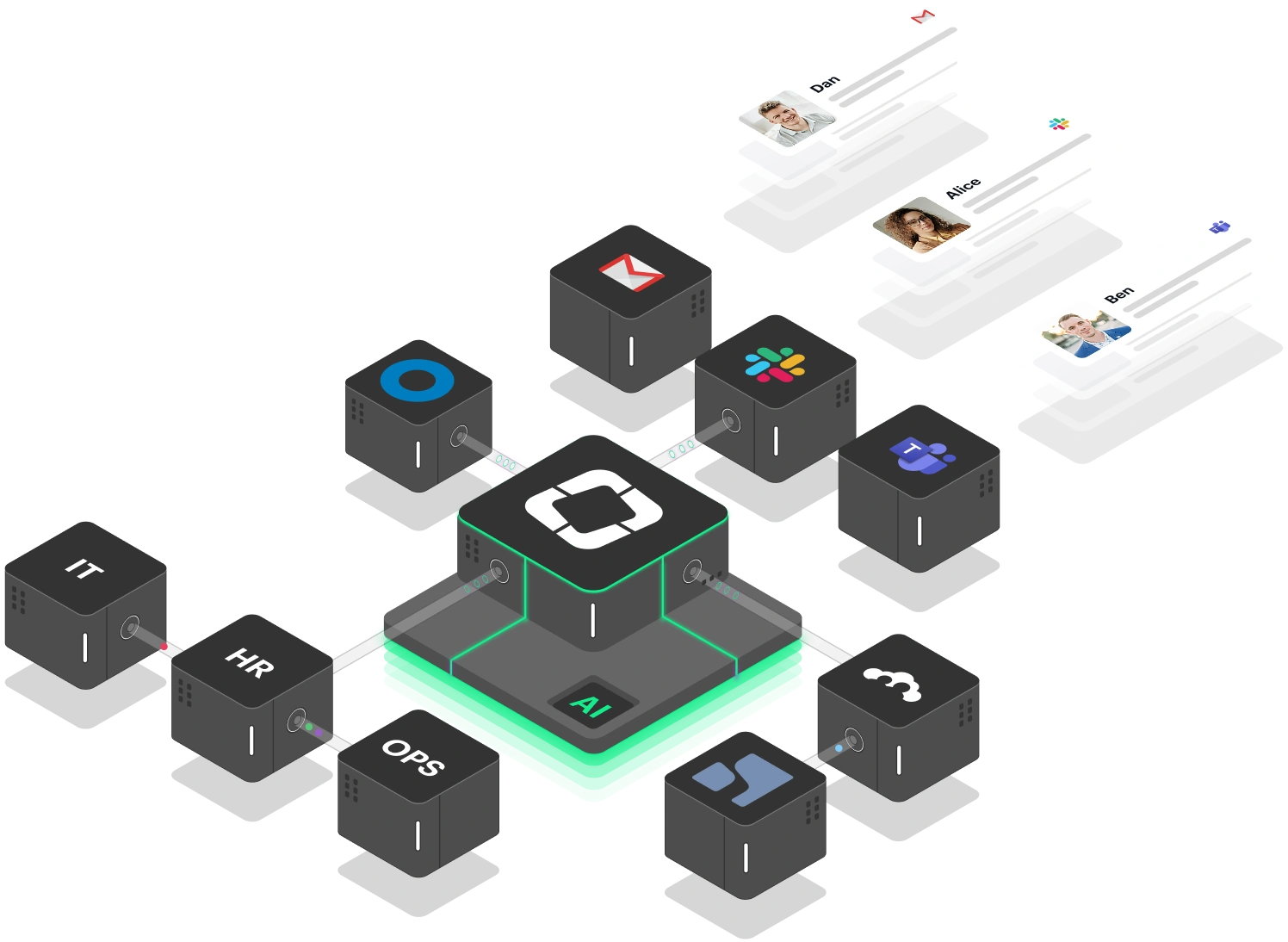
Siit transforms both Notion and Confluence from static repositories into intelligent, actionable knowledge systems that work directly within your communication workflows. Rather than requiring employees to navigate to separate documentation platforms, Siit's AI agents deliver contextual answers and automate workflows directly in Slack and Microsoft Teams.

For Notion users, Siit leverages your customizable databases and documentation to provide instant answers during team conversations. When someone asks about project procedures or policy questions, Siit accesses your Notion workspace and delivers comprehensive responses without context-switching. The integration enables automatic ticket creation from Notion content and maintains synchronization as your flexible workspace evolves.

With Confluence, Siit activates your structured knowledge base by making enterprise documentation immediately accessible through conversational interfaces. Instead of employees searching through hierarchical page structures, Siit's AI understands context and retrieves relevant information from your Confluence spaces instantly. This is particularly valuable for software development teams who can access technical documentation and project requirements without leaving their development workflows.

Ready to transform your knowledge base into an active support system? Book a demo and experience how AI-powered agents can deliver your team's collective knowledge directly where work happens—eliminating the friction between knowing and doing.

Explore Siit integrations or Book a demo today.

copy
Copy link

FAQs

Which platform is better for small startups?

Notion typically serves startups better due to its cost-effectiveness and ability to consolidate multiple tools. However, if your startup has complex security requirements or extensive Atlassian tool usage, Confluence may be worth the investment.

Can I migrate content between Notion and Confluence?

Both platforms offer export capabilities. Migration between Notion and Confluence is supported by automated import/export tools that handle differences in data structures, reducing or eliminating the need for manual conversion. Notion exports to various formats including PDF, HTML, Markdown, and CSV, while Confluence supports space-level exports and imports from certain systems.

Which platform handles large teams better?

Confluence is designed for enterprise scale with robust permission management and performance optimization for large datasets. Notion can support large teams but may experience performance issues with complex databases and extensive customization.

Do I need technical expertise to set up either platform?

Notion requires no coding but demands significant time to learn its customization capabilities. Confluence requires administrative expertise for complex setups and integration management, particularly in enterprise environments.

Which platform offers better integration with existing tools?

Confluence excels with Atlassian ecosystem integration and enterprise applications, offering more extensive and robust integration options. Notion is strong in content creation and organization but offers fewer native integrations and less flexible API access compared to Confluence.

Try Siit for free