











Popular comparison

Microsoft 365 vs. Google Workspace: Which Is Right for Your Team?

Compare Microsoft 365 vs Google Workspace features, pricing, and security to find the right productivity platform for your team.

Tools > Popular comparison >
Microsoft 365 vs. Google Workspace

The choice between Microsoft 365 and Google Workspace isn't just about features; it's about finding the right fit for your team's work style, technical requirements, and growth trajectory. Both platforms offer comprehensive productivity suites, but they take fundamentally different approaches to collaboration, security, and enterprise management.

Microsoft 365 vs. Google Workspace at a glance

Here's how these productivity powerhouses stack up across the most important criteria for IT decision makers.

Feature Microsoft 365 Google Workspace
Purpose Hybrid desktop/cloud productivity suite with enterprise security focus Cloud-first collaboration platform with real-time editing emphasis
Best when you need Advanced offline capabilities, deep Office integration, enterprise-grade security controls Real-time collaboration, simplified administration, rapid deployment
Primary user(s) Mid-to-large enterprises (300+ users), regulated industries, Microsoft ecosystem organizations Growing companies (50-5,000 users), cloud-native teams, collaborative workforces
Headline strength Desktop application depth, unified enterprise ecosystem, and advanced compliance tools Seamless real-time collaboration, intuitive interface, streamlined IT management
Limitation Complex licensing structure, steep administrative learning curve, high total cost for full security Limited offline functionality, storage tier constraints, enterprise feature gaps
Starting price Business Basic: $6/user/month (1 TB storage) Business Starter: $7/user/month (30 GB pooled storage)
Signature integration Deep integration across Microsoft ecosystem (Azure, Dynamics 365, Active Directory) Native Google services integration, open third-party philosophy

Overview of Microsoft 365

Microsoft 365 is an integrated productivity and collaboration suite that combines traditional Office applications with modern cloud services and enterprise-grade security. The platform serves as a unified ecosystem covering productivity, communication, collaboration, and device management for organizations of all sizes.

‍

Microsoft 365 provides both desktop and web versions of core applications, ensuring consistent functionality across Windows, Mac, and mobile devices. The platform's strength lies in its comprehensive approach, combining familiar productivity tools with advanced security, compliance, and administrative capabilities that scale from small businesses to global enterprises.

Key Features:

  • Office apps (Word, Excel, PowerPoint, Outlook) with desktop and web versions, plus Access as a Windows desktop app on select Microsoft 365 plans.
  • Microsoft Teams for video conferencing and team collaboration.
  • OneDrive for Business with 1 TB cloud storage per user.
  • SharePoint for enterprise content management and intranet capabilities.
  • Microsoft Defender suite for advanced threat protection.
  • Microsoft Purview for data loss prevention and compliance management.
  • Microsoft Intune for device and application management.
  • Power Platform for custom business application development.

‍

Ideal for: Organizations requiring advanced desktop application features, complex compliance requirements, or deep integration with existing Microsoft infrastructure investments.

Overview of Google Workspace

Google Workspace is a cloud-native productivity and collaboration platform designed around real-time collaboration and simplified administration. Built from the ground up as a browser-based solution, it emphasizes seamless teamwork, intuitive user experience, and streamlined IT management.

The platform's architecture prioritizes collaboration over individual productivity, with all applications designed for simultaneous multi-user editing and instant synchronization. Google Workspace excels in environments where teams need to work together dynamically across documents, presentations, and spreadsheets without the complexity of traditional desktop software.

Key Features:

  • Complete productivity suite (Docs, Sheets, Slides, Gmail, Calendar) with real-time collaboration.
  • Google Meet for video conferencing with up to 1,000 participants (Enterprise tier).
  • Drive cloud storage with tiered capacity (30 GB to 5 TB based on plan).
  • Google Chat for team messaging and project spaces.
  • Admin Console for centralized user and security management.
  • Endpoint Management for device control across all platforms at no additional cost.
  • Google Vault for eDiscovery and compliance (Business Plus and above).
  • Gemini AI integration across all applications (additional $30/user/month).

Ideal for: Fast-growing teams prioritizing real-time collaboration, organizations seeking simplified IT administration, and companies requiring rapid deployment with minimal training overhead.

Side-by-Side Feature Comparison

Feature Category Microsoft 365 Google Workspace
Email & Calendar Outlook with advanced scheduling, focused inbox, and enterprise calendaring Gmail with smart features, integrated Chat, and simplified calendar sharing
Document Creation Word, Excel, PowerPoint with advanced formatting, macros, and desktop features Docs, Sheets, Slides with real-time collaboration, smart chips, and version history
Cloud Storage 1 TB OneDrive per user (Business Basic), scalable enterprise storage 30 GB-5 TB pooled storage depending on tier, with organizational sharing
Video Conferencing Teams with up to 1,000 participants, recording, live events Meet with up to 1,000 participants (Enterprise), hardware integration
Security & Compliance Defender suite, Purview DLP, Conditional Access, extensive compliance certifications Advanced phishing protection, context-aware access, Vault for eDiscovery
Device Management Intune for comprehensive endpoint management, Windows integration Endpoint management for all platforms included at no additional cost
AI Integration Copilot across applications ($30/user/month add-on) Gemini features now bundled into all Workspace subscriptions (no separate add-on)
Administrative Complexity Multiple admin centers, steep learning curve for full capabilities Single Admin Console, streamlined setup and management
Offline Capabilities Core desktop editing and creation are supported offline, but with notable limitations on certain features and time-limited licensing before reduced functionality mode Limited offline functionality, primarily cloud-dependent
Third-Party Integrations Microsoft AppSource, Power Platform, extensive enterprise ecosystem 5,000+ apps in Workspace Marketplace, open integration philosophy
Deployment Timeline 3-6 months for enterprise implementation with full training 90-day rollouts for 300+ user organizations with structured training and change management support
Pricing Transparency Complex licensing with frequent tier changes, enterprise quotes required Transparent per-user pricing, custom Enterprise quotes for 300+ users

When to Choose Microsoft 365 vs. Google Workspace

Your choice should align with your organization's work patterns, technical requirements, and strategic priorities.

Choose Microsoft 365 if you need:

  • Advanced desktop application features (complex Excel macros, Access databases, Publisher layouts).
  • Robust offline functionality for field workers or unreliable connectivity environments.
  • Deep integration with existing Microsoft infrastructure (Active Directory, SharePoint, Exchange).
  • Granular security controls and extensive compliance certifications for regulated industries.
  • Unified endpoint management with Windows-first device strategies.
  • Advanced AI capabilities through Copilot for complex automation and data analysis.

Choose Google Workspace if you value:

  • Real-time collaboration as the primary work mode with instant document sharing.
  • Simplified IT administration and rapid deployment timelines (90 days vs. 6 months).
  • Cost efficiency at enterprise scale (38% savings vs. Microsoft 365 E5 for 5,000+ users).
  • Email security leadership with advanced phishing protection.
  • Cloud-first architecture with consistent cross-platform experience.
  • Open integration flexibility with existing SaaS ecosystems and third-party security tools.

Both platforms serve enterprises effectively, but your specific organizational context determines the optimal fit.

How Siit Integrates With Both Tools

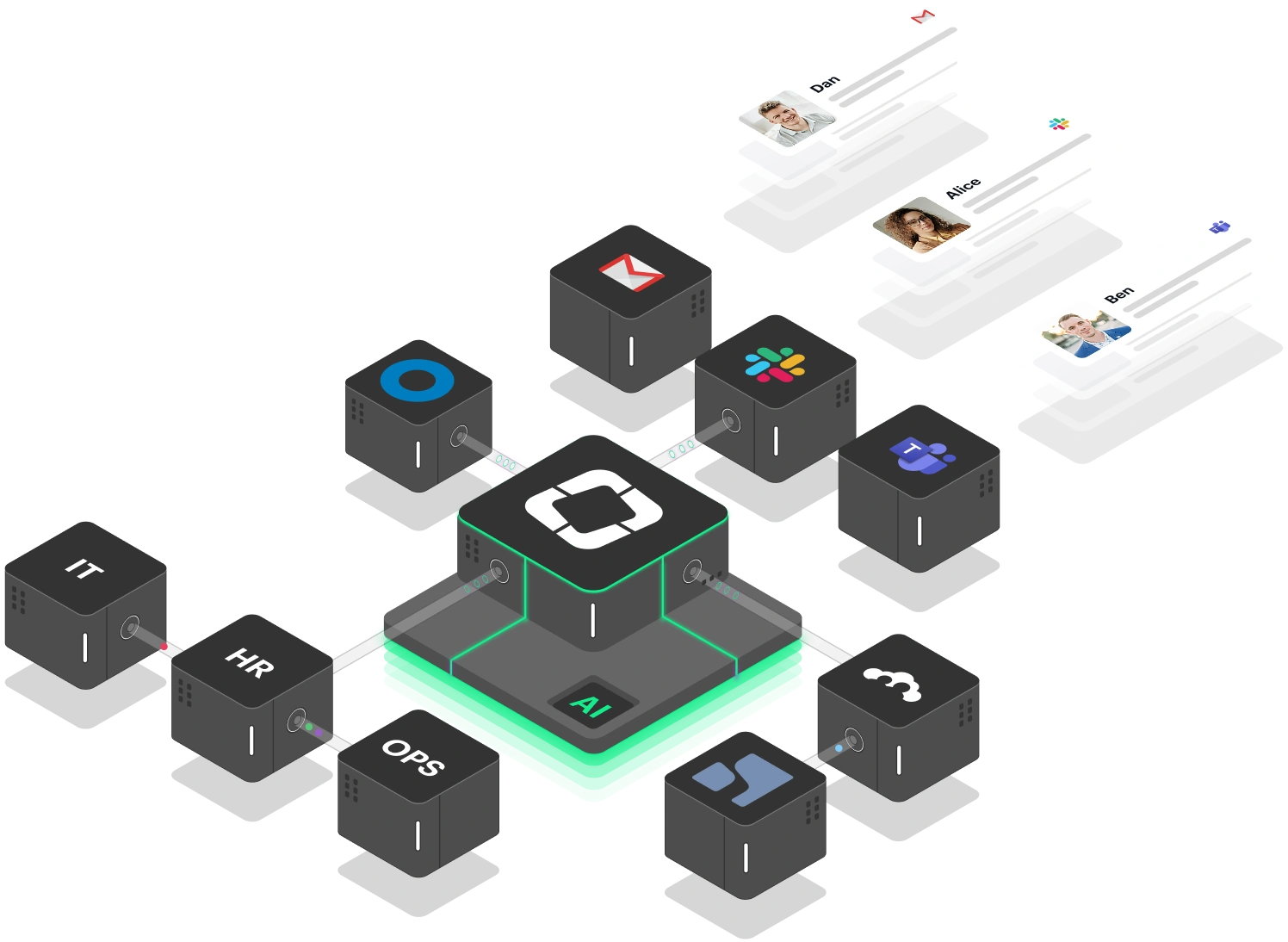
Siit enhances both Microsoft 365 and Google Workspace environments by automating cross-departmental workflows that neither platform handles natively. Whether your team uses Teams or Slack, Siit's AI agents execute complete business processes across IT, HR, Finance, and Operations.

For Microsoft 365 environments, Siit integrates natively with Microsoft Teams to route approval workflows, handle service requests, and manage employee lifecycle processes directly where your team already works. Siit also connects with Microsoft Intune for device management visibility and automated provisioning workflows.

For Google Workspace organizations, Siit syncs employee data and directory information to power automated onboarding, offboarding, and access request workflows. This integration ensures your team's information stays accurate across systems without manual data entry.

The real power comes from Siit's ability to orchestrate processes that span your productivity platform and operational systems—automatically pulling employee data from your HRIS, coordinating approvals through your chosen communication tool, provisioning access in identity management systems, and creating audit trails across all connected services.

Sign up for Siit today and see how AI agents can transform your internal operations, regardless of whether your team runs on Microsoft 365 or Google Workspace.

FAQs

Can I migrate from Microsoft 365 to Google Workspace (or vice versa)?

Yes, both platforms offer migration tools and professional services. Google provides Google Workspace Migrate for transferring from Microsoft environments, while Microsoft offers similar tools for Google Workspace migrations. However, expect data formatting differences and plan for a 3-6 months migration timeline for enterprise deployments.

Which platform offers better value for money?

It depends on your size and needs. Google Workspace offers significant cost advantages at enterprise scale (up to 38% savings for 5,000+ users), while Microsoft 365 provides better value for organizations requiring advanced desktop applications and offline functionality. Consider the total cost of ownership, including security add-ons and training requirements.

How do the AI capabilities compare between Copilot and Gemini?

Microsoft 365 Copilot is offered at $30/user/month as an add-on, while Gemini features are now bundled into Google Workspace plans at their respective per‑user prices rather than a separate $30/user/month fee. Microsoft Copilot currently provides more advanced enterprise integration and data analysis capabilities, while Google Gemini offers broader baseline AI access across more applications. Your choice should align with whether you prioritize depth of AI integration or breadth of AI availability.

Which platform is better for regulated industries?

Microsoft 365 typically edges out Google Workspace for highly regulated industries due to more granular compliance controls, extensive certification portfolio, and advanced DLP capabilities. However, Google Workspace meets enterprise compliance requirements and may be sufficient for many regulated environments with proper third-party security augmentation.

What's the real difference in administrative complexity?

Google Workspace offers significantly simpler administration through a single Admin Console, while Microsoft 365 requires navigating multiple admin centers (Microsoft 365, Azure AD, Exchange, SharePoint, Teams, Security & Compliance). Google's approach reduces training time but may limit customization options that some enterprises require.

Lorem ipsum dolor sit amet, consectetur adipiscing elit. Suspendisse varius enim in eros elementum tristique. Duis cursus, mi quis viverra ornare, eros dolor interdum nulla, ut commodo diam libero vitae erat. Aenean faucibus nibh et justo cursus id rutrum lorem imperdiet. Nunc ut sem vitae risus tristique posuere.

Lorem ipsum dolor sit amet, consectetur adipiscing elit. Suspendisse varius enim in eros elementum tristique. Duis cursus, mi quis viverra ornare, eros dolor interdum nulla, ut commodo diam libero vitae erat. Aenean faucibus nibh et justo cursus id rutrum lorem imperdiet. Nunc ut sem vitae risus tristique posuere.

Lorem ipsum dolor sit amet, consectetur adipiscing elit. Suspendisse varius enim in eros elementum tristique. Duis cursus, mi quis viverra ornare, eros dolor interdum nulla, ut commodo diam libero vitae erat. Aenean faucibus nibh et justo cursus id rutrum lorem imperdiet. Nunc ut sem vitae risus tristique posuere.

Lorem ipsum dolor sit amet, consectetur adipiscing elit. Suspendisse varius enim in eros elementum tristique. Duis cursus, mi quis viverra ornare, eros dolor interdum nulla, ut commodo diam libero vitae erat. Aenean faucibus nibh et justo cursus id rutrum lorem imperdiet. Nunc ut sem vitae risus tristique posuere.

Lorem ipsum dolor sit amet, consectetur adipiscing elit. Suspendisse varius enim in eros elementum tristique. Duis cursus, mi quis viverra ornare, eros dolor interdum nulla, ut commodo diam libero vitae erat. Aenean faucibus nibh et justo cursus id rutrum lorem imperdiet. Nunc ut sem vitae risus tristique posuere.