.webp)
Trusted by the best











.svg)

.svg)
.svg)





Instant support in Teams
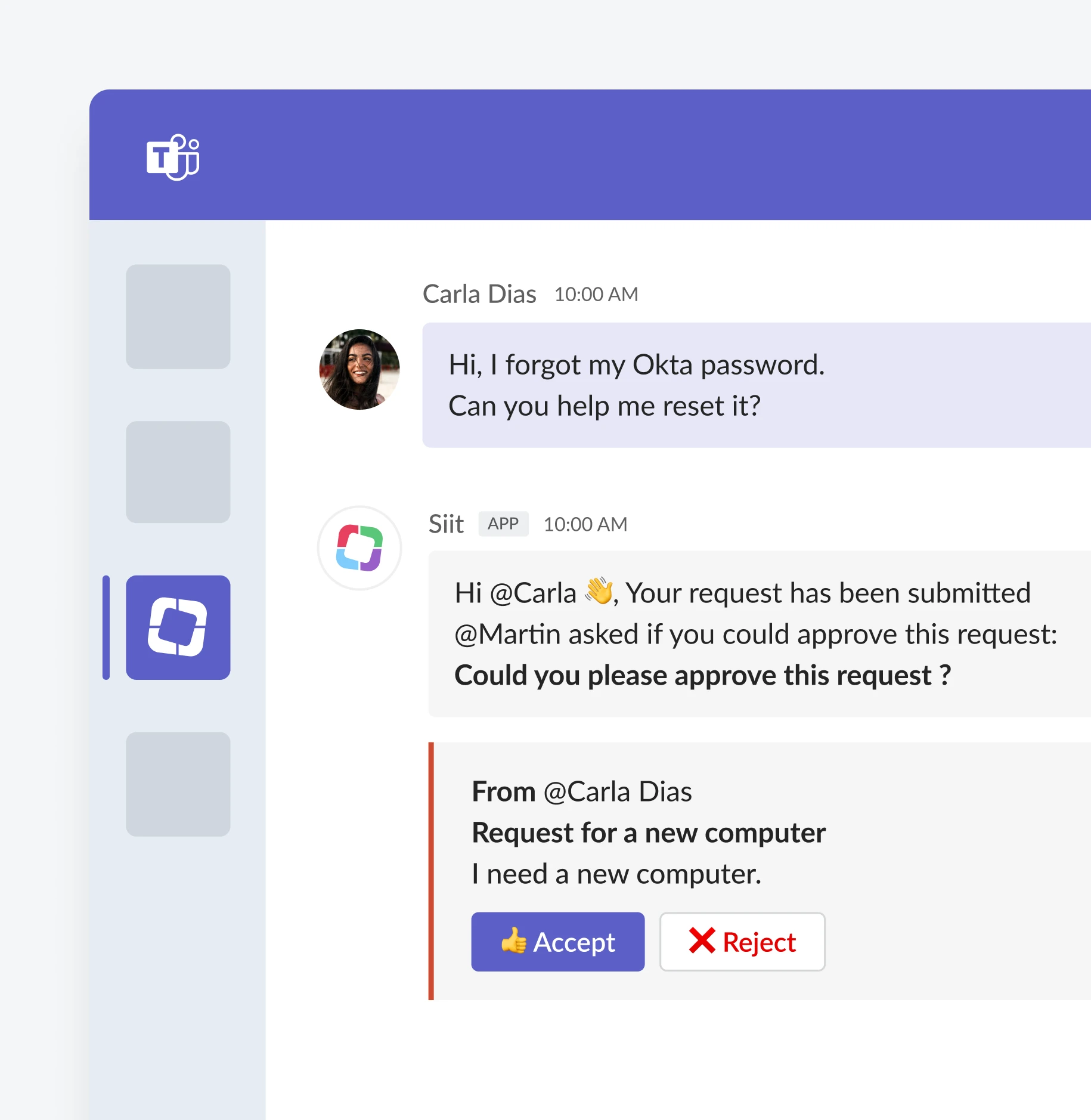
App access requests
- Self-service requests in Teams
- Automatic approval routing
- Instant provisioning after approval
- Complete visibility for requester and approver
.webp)
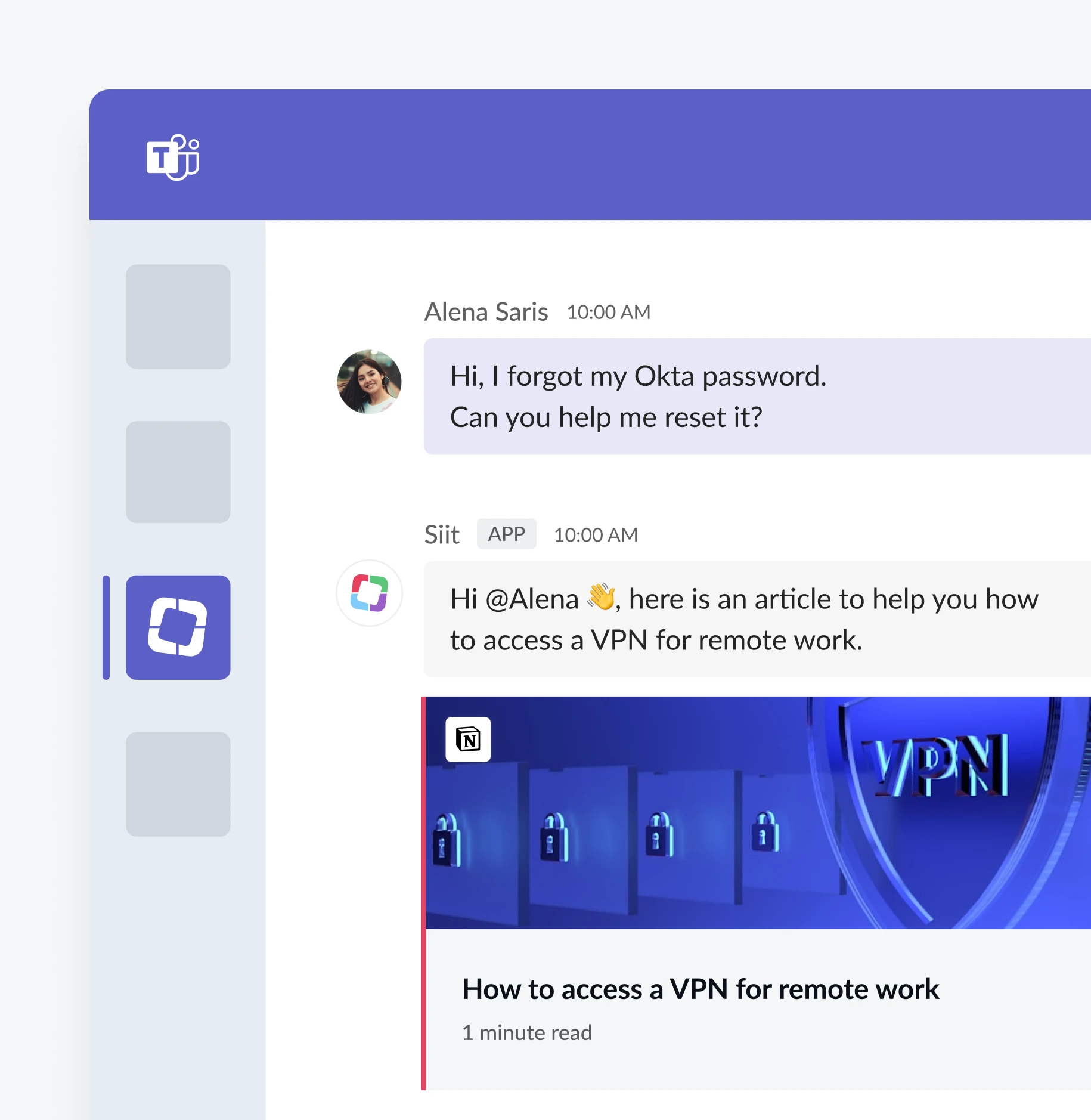
Password resets and account unlocks
- Reset passwords for Azure AD, Active Directory, Okta
- Unlock accounts automatically
- Complete in under 60 seconds
.webp)
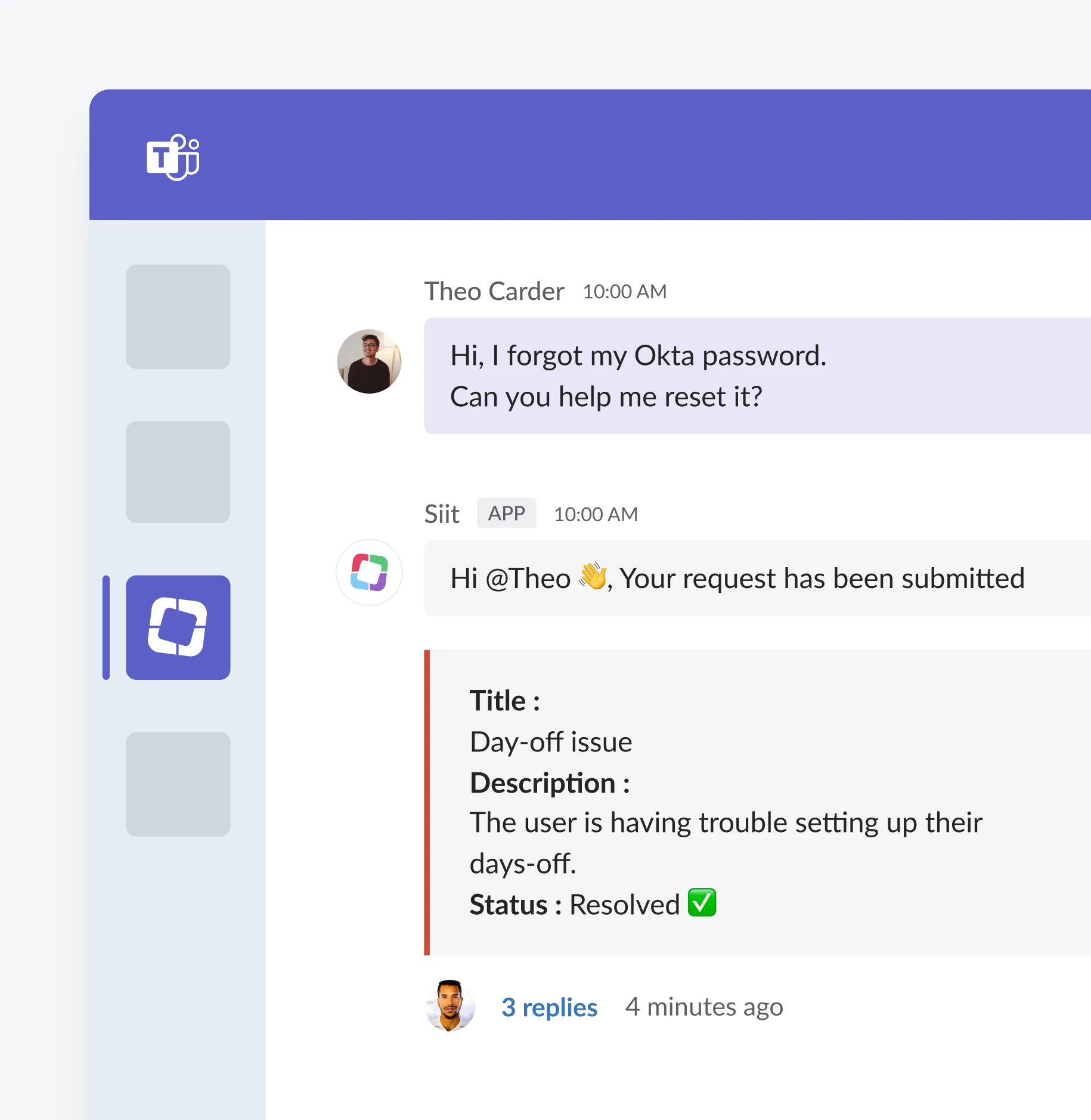
Device troubleshooting
- Device context from MDM displayed inline
- Troubleshooting guidance and remote actions
- Escalate complex issues to IT with full context
- Complete audit trail
.webp)
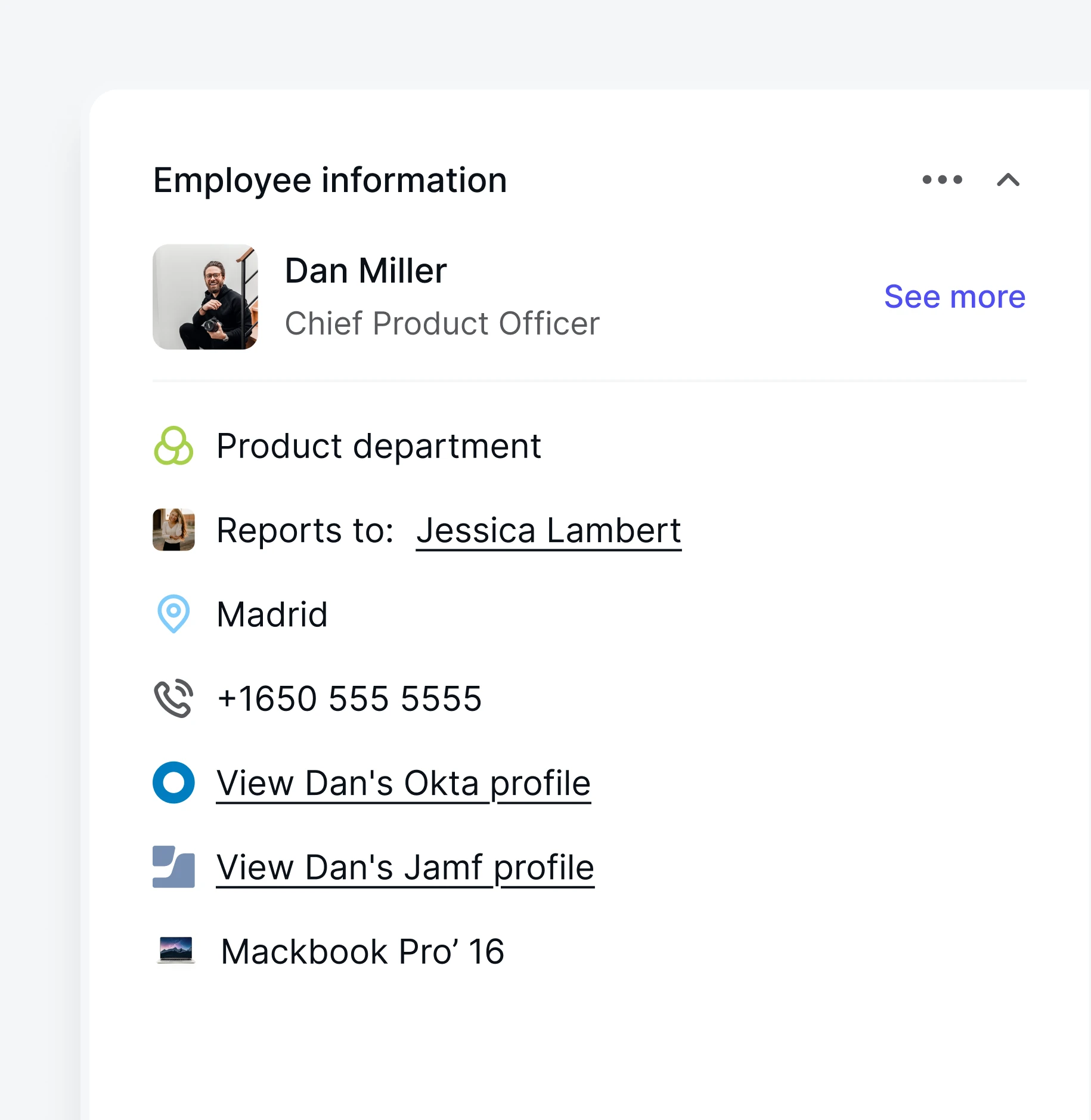
Full context, no tab-switching
- Identity providers: Account status, group memberships, recent password changes
- MDM: Device model, OS version, enrollment status, security posture
- HRIS: Employee role, department, manager, start date
- Application directories: Current access, license status
.webp)
Why support in Teams beats traditional portals
Traditional help desks force employees to switch tools, fill out forms, and wait for updates. Siit resolves issues directly in Teams—same conversation, full context, minutes instead of days.
Traditional help desk
Open portal in browser
Fill out form
Get ticket number
Wait for email updates
Days to resolution
Siit
Ask in Teams
Instant response
Resolved in thread
Minutes to resolution
Integrations
We connect to your toolsto leverage your source of truth
Native integrations come with actions and permissions built in. Everything else connects
through our API. And through MCP, Siit works inside your AI tools.


%201.svg)


Implementation
Week 1
Connect your systems
- - Link HRIS, MDM, and identity providers
- - Map employee data and device inventory
- - Configure system permissions
Week 2
Build your workflows
- - Define onboarding and offboarding automation
- - Set approval routing for access requests
- - Customize workflows for your policies
Week 3
Launch to employees
- - Deploy in Teams
- - Train your team on workflow management
- - Monitor first automated workflows
Enterprise-grade security

SOC II Type II
certified

GDPR
Compliance

SSO/SAML

Encryption

Role-Based Access

Audit Logs
Audit Logs
Audit Logs
See Teams help desk in action
See how Siit resolves IT requests directly in Teams for your team.