6 Best HR Ticketing Systems for 2026
The best HR ticketing systems stop HR and IT requests from disappearing across email, chat, and hallway conversations. If you are the IT manager who ends up owning HR help desk tooling, you need one queue for Slack requests, Human Resource Information System (HRIS) context, approvals, and service level agreement (SLA) reporting.
HR ticketing system software captures every request as a trackable ticket, routes it to the right owner, and logs the resolution. Consolidating intake into one dashboard cuts resolution time and gives HR, IT, and Finance one shared view of what is open, blocked, or resolved.
The strongest platforms now run intake, updates, and approvals where employees already work. This guide ranks six by intake channel, automation depth, HRIS fit and cost, using the same criteria that apply when choosing a platform.
TL;DR:
- The best HR ticketing systems capture HR requests, route them to the right owner, track SLAs, and keep sensitive employee cases auditable.
- Match the pricing model to your headcount: admin-only, per-agent, and per-employee billing produce different totals once your company grows.
- This guide adds what other rankings skip: SLA targets by request type, implementation timeline guidance, and a security checklist for sensitive HR cases.
- Chat-native platforms suit Slack and Teams-first teams because intake, AI triage and approvals run without portal adoption.
Our Selection Criteria
Here are the critical factors we evaluated in tens of HR ticketing systems before deciding which six make the cut:
- Core Functionality: Any worthwhile system must execute the basics effectively, including request creation, self-service options, intelligent routing, and SLA management. Compare tools on day-to-day ticket handling; running real HR tickets through a trial queue reveals more than any demo.
- Advanced Features: The leading platforms offer AI that categorizes requests intelligently and suggests responses. Check whether AI triage is included in the tier you're buying or sold as an add-on, and look for workflow customization, mobile access, and knowledge base integration.
- Usability: A clean interface, intuitive navigation, clear dashboards, and a smooth employee experience drive adoption. When more people use the system, your HR department becomes more effective.
- Security and Access Control: HR cases carry salary details, medical leave information, and employee relations data. Role-based permissions, confidential fields, and audit trails are non-negotiable (more on this in the compliance section below).
- System Integrations: Bidirectional connections to your HRIS, payroll, identity systems, and device management systems keep tickets synchronized with employee records. Without them, you're back to manual updates across admin panels.
- Implementation Support: Consider setup complexity, available guides, and time-to-value. The best answers integrate into your existing workflows without major disruption; realistic rollout guidance appears later in this guide.
- Customer Support: Effective support means availability when needed, quick responses, setup assistance, and ongoing guidance to keep the system running well.
- Cost and fit: Clear pricing, potential ROI, and future scaling costs all contribute to value. Whether a vendor bills per admin, per agent, or per employee determines what happens to your invoice when headcount triples.
- User Feedback: Real-world ratings, testimonials, and case studies reveal how a system performs in practice. These insights help confirm whether it will work for your specific situation.
- Communication Platform Integration: How effectively a system works with Slack and Microsoft Teams matters tremendously. Proper integration allows teams to work without switching between applications, increasing productivity and collaboration.
Best HR Ticketing Systems by Category (Ranked Winners)
Six platforms stood out in our testing because each one handled centralized request tracking, automated routing, and knowledge-base integration, then excelled in a specific area. Match them to your requirements to reduce resolution times without creating new silos.
1. Siit: Best for Slack and Teams-First Organizations
Siit builds request intake, triage, and approvals directly inside Slack and Teams, which matters most when employees already bypass portals and ask for help in chat. The workflows handle complete processes, from PTO approvals to equipment requests, well beyond FAQ answering. One inbox gathers HR and IT requests with separate permissions, so your HR team and your IT help desk work the same tickets without either navigating to another tool.
Routing weighs priority, requester details, and business hours before assigning, so urgent issues reach the right team immediately. Built-in connections pull employee context from your HRIS and sync with your identity and device tools, so tickets stay current without manual updates across admin panels. For the HR team that owns employee support, that means fewer Slack DMs turning into hidden queues and fewer access requests that need chasing across HR, Finance, and IT.
Siit's AI agents answer employee questions from your knowledge base, turning policies and documentation into answers available around the clock and cutting repetitive inquiries. Siit is System and Organization Controls (SOC) 2 Type 2 certified and complies with the General Data Protection Regulation (GDPR), with role-based permissions on top. The analytics dashboard surfaces where requests stall and what they cost in volume and staffing. The results hold up in production: Spendesk's People team cut first response time from over 24 hours to under 5 and now deflects 45% of payroll questions with an AI bot, at a 98% satisfaction rate.
Key features
- Chat-native intake in Slack and Teams
- AI triage and routing
- End-to-end workflows from PTO approvals to equipment requests
- One shared HR and IT queue with separate permissions
- AI answers drawn from your knowledge base
Pros
- Works where your team already communicates
- Delivers immediate value through chat-native forms
- Completes full workflows and closes them out
- Integrates with your HRIS so you can sync employee data and provide contextualized support
Cons
- Siit functions best when everyone uses Slack or Teams.
Best for
Growing tech companies (50-500 employees) that resolve most work in Slack or Teams and need structured, trackable HR support.
2. HiBob: Best for Employee-Centric HR Service Management
One scoping note up front: HiBob is an HRIS and human capital management (HCM) platform first, with dedicated HR help desk ticketing as a module. Its request-management capabilities sit on top of centralized employee data, adaptable workflows, multi-channel request handling, and automated task assignment, with connections to Slack and Microsoft 365. That architecture appeals if you want HR tickets living next to the employee records they reference.
The system performs best in multinational organizations that need deeply customizable request handling and strong self-service. Implementation time and higher costs present real hurdles, and request management remains a module and sits outside the product's core. For growing organizations with complex regional HR requirements, the full feature set can still justify the investment.
Key features
- Requests layered on centralized employee data
- Multi-channel request handling
- Automated task assignment
- Connections to Slack and Microsoft 365
Pros
- Full employee lifecycle management
- Deep customization for regional HR policies
- Strong self-service portal reduces routine requests
- Solid reporting and analytics capabilities
Cons
- Implementation takes longer than with dedicated ticketing tools.
- The initial investment runs higher.
- Advanced workflows require complex configuration.
- Administrators face a real learning curve.
Best for
Mid-sized to enterprise organizations (100-2,000 employees) and companies with multi-country operations.
Siit Integration & Upgrade:
- The connector (Siit + HiBob) syncs employee profile data, org charts, and lifecycle events, so every ticket arrives with requester context already attached.
- HiBob stays your HR system of record; a chat-native intake layer becomes the resolution layer, capturing structured requests inside Slack and Teams with AI-based triage and end-to-end workflow execution.
- The split works because neither tool duplicates the other: HiBob owns the data, while the intake layer owns the day-to-day tickets employees actually open.
3. ServiceNow HRSD: Best for Large Enterprises
Global companies managing complex approvals, union requirements, and regional regulations trust ServiceNow HR Service Delivery. It excels in enterprise-grade customization and connects with major enterprise systems through its Integration Hub.
The low-code studio builds conditional workflows, multi-step forms, and parallel approvals that match your organization structure. Dashboards track resolution time, SLA compliance, and satisfaction by location or department. Slack and Teams connectors let employees open or update cases without leaving chat, while Integration Hub connects with Workday, SAP, or custom systems. Role-based access and audit trails meet GDPR and ISO/IEC 20000, the International Organization for Standardization's service management standard.
Key features
- Low-code studio for conditional workflows and parallel approvals
- Multi-step forms
- Slack and Teams case updates
- Integration Hub for Workday, SAP, and custom systems
- GDPR and ISO/IEC 20000 controls
Pros
- Customization of any field, rule, or approval
- Scales from regional offices to 100k-employee multinationals
Cons
- Implementation requires certified administrators, a longer rollout, and higher investment.
- Reviewers outside the Fortune 500 routinely describe the platform as more than they need.
Best for
Companies with 500+ employees, complex compliance needs, and resources for advanced automation.
Siit Integration & Upgrade:
- Siit connects to ServiceNow, allowing bidirectional syncing of ticket metadata, employee statuses, and escalation logic.
- Employees open and update cases from Slack or Teams while ServiceNow keeps running as the back-office system, so adoption climbs without touching the workflows your admins already built.
- Siit acts as the conversational front end that makes ServiceNow usable for everyone, no portal required.
4. Zoho People: Best Budget Option
Zoho People earns the budget slot because its request handling comes bundled with core HR workflows at a price almost any team can absorb. Leave requests, onboarding checklists, and document collection all run through the same workflow engine that holds employee records. That bundling is the appeal: teams already standardized on Zoho get structured HR request handling without adding a second vendor.
The drag-and-drop workflow builder automates leave approvals, onboarding steps, and document collection. Mobile-first design works effectively for remote and frontline staff. Slack and Teams integrations push notifications and allow users to comment on requests from chat. Direct connections to other Zoho tools, such as Payroll, Recruit, and Analytics, create a complete HR system on a budget.
Key features
- Drag-and-drop workflow builder for leave, onboarding, and document steps
- Mobile-first design
- Slack and Teams notifications
- Native links to Zoho Payroll, Recruit, and Analytics
Pros
- Lowest starting price in this guide
- Quick setup path for teams with simple workflows
Cons
- Advanced analytics and custom scripting are limited compared to enterprise platforms.
- Automation may reach limits once you exceed 500 employees.
- Ticketing depth trails dedicated help desk products.
Best for
Budget-conscious organizations, or companies already using Zoho applications, seeking straightforward HR support workflows.
Siit Integration & Upgrade:
- Siit can integrate with Zoho People using its open API, enabling synced access to employee data, leave balances, and approval structures.
- Zoho handles HR records and core workflows on a budget; Siit adds Slack/Teams-native intake, AI triage, and real-time routing that Zoho People lacks.
- Budget-constrained teams get structured, automated request handling without paying engineers to duct-tape two systems together.
5. HappyFox HR Help Desk: Best for Multi-Channel HR Requests
HappyFox HR Help Desk is a ticketing system used to capture and track requests from multiple sources. It supports intake from email, Slack, Microsoft Teams, and a web portal, consolidating them into one workspace for easier management. Requests can be categorized, assigned, and tracked from creation to resolution, helping HR teams maintain visibility into open issues.
Automation rules allow routing based on predefined criteria such as request type, department, or location, while escalation workflows can be set up to handle urgent cases. A built-in knowledge base provides employees with access to policies and resources, and role-based permissions restrict access to sensitive information. Reporting tools offer visibility into ticket volumes, resolution times, and trends over time.
Key features
- Intake from email, Slack, Teams, and web portal
- Rule-based routing and escalation
- Built-in knowledge base
- Role-based permissions
- Volume and resolution reporting
Pros
- Configurable for HR workflows
- Supports multiple intake channels
- Role-based access control
Cons
- Advanced automation and customization require higher-tier plans.
- The platform lacks integrations with external HR tools, so HRIS context stays outside the ticket.
Best for
HR teams that need a configurable ticketing tool for handling requests from multiple sources.
Siit Integration & Upgrade:
- An API connection can push and pull HR ticket data between systems.
- HappyFox consolidates multi-channel requests and lets employees submit and manage many workflows directly inside tools like Slack and Microsoft Teams, without needing to switch to a separate portal or email; Siit moves submission and updates into Slack and Teams with in-chat dynamic forms.
- Siit embeds HR ticket submission and updates directly into Slack and Teams, increasing adoption and reducing the number of missed or delayed requests.
6. Zendesk for HR: Best for Existing Zendesk Users
Zendesk for HR adapts the customer service platform's ticketing and automation features for internal employee support. It centralizes requests from multiple channels (Slack, Microsoft Teams, email, and web forms) into a single workspace. HR teams can categorize, assign, and track cases, while employees can follow their request's progress without losing context.
Automation tools in Zendesk route requests based on pre-set conditions (department, location, or priority), send reminders for pending tasks, and trigger approvals. A built-in knowledge base allows HR to publish policies, guides, and FAQs, making it easier for employees to self-serve on common inquiries. Reporting dashboards show resolution times, satisfaction scores, and request volumes over time.
Key features
- Multi-channel intake across Slack, Teams, email, and web
- Condition-based automation and reminders
- Built-in knowledge base
- Resolution and satisfaction dashboards
Pros
- Mature ticketing system with strong automation, deep analytics, and broad channel coverage
- Can be extended with integrations
Cons
- Some advanced features, like full workflow automation and granular analytics, require higher-tier plans.
- Setup can take time for teams unfamiliar with Zendesk's admin tools.
Best for
Organizations that already use Zendesk for external support and want to extend the same ticketing and automation capabilities to internal HR without adopting a separate platform.
Siit Integration & Upgrade:
- The Zendesk integration embeds HR ticket creation, updates, and approvals directly inside Slack and Microsoft Teams, so employees never open the Zendesk portal or wait on email for updates.
- AI triage, in-chat dynamic forms, and end-to-end workflow execution run on top of Zendesk's reporting and compliance controls.
- Zendesk stays the backend of record; the conversational front end becomes the real-time interface employees interact with daily.
Pricing & Feature Comparison Table
This comparison shows entry-level pricing and main intake channels for each platform, verified as of August 2026. Vendors without a public price are marked quote-only; confirm current rates before budgeting. If you have to defend the choice to leadership, this table is the fastest way to separate employee-facing adoption from back-office admin cost.
Pricing taken from each vendor's own pricing page, verified August 2026, and reflects entry-level tiers at the billing period noted. Vendors that publish no list price are marked quote-only. Enterprise negotiation can shift totals. Re-verify quarterly.
How to Choose the Right HR Ticketing System
Selecting the appropriate platform eliminates bottlenecks slowing your HR team down today. There is no single best HR ticketing system, only the best one for your intake channels, integrations, and budget. This seven-step approach removes guesswork, accelerates value delivery, and prevents buyer's regret.
- Map current request volume and pain points. Document every way HR tickets come in, whether from email, Slack threads, or hallway conversations, and count the load. Bringing scattered touchpoints into one queue prevents requests from getting lost.
- Define a service catalog. Break requests into clear categories (payroll, onboarding, benefits, leave, policy questions) so routing rules have something to route on and reporting has something to segment by.
- List must-have intake channels. Employees who primarily use Slack or Microsoft Teams adopt immediately when request creation lives inside those tools. Systems that reduce resolution times succeed because no one leaves their main workspace.
- Verify system integrations. Your help desk must connect bidirectionally with HRIS, payroll, identity, and device management systems. Without these connections, you revert to manual updates and lose the automation benefits.
- Evaluate automation and AI honestly. Confirm whether AI triage is included in your tier or sold separately, then pressure-test deflection claims against your own knowledge base maturity. AI works best when policies, ownership rules, and escalation paths are already clear enough for a system to apply.
- Assess scalability and the pricing model. Examine how licensing, automation limits, and storage caps change when your headcount triples. Mid-tier packages that appear affordable today become expensive tomorrow.
- Run a limited pilot. Test the platform with one department before a companywide rollout and track response time, resolution rate, and employee satisfaction. Real pilot data eliminates subjective opinions and builds evidence-based cases for wider rollout.
HR SLA Targets Worth Setting
Publishing SLAs is the fastest way to make your HR ticket queue accountable. Here is a starting set you can adapt to your own volume and staffing:
Calibrate these targets against your own queue volume and staffing; a generic benchmark will mislead you. If your first responses are slow, that gap itself is your business case. The right tool should make SLA reporting visible enough that leadership sees where requests stall and which cross-department handoffs need automation.
Implementation Timeline Benchmarks
Vendors rarely publish honest deployment timelines, so plan by complexity and by what teams who have done it report. Chat-native, lightweight tools can usually move from pilot to useful workflows faster than traditional portal-first systems, especially when the first use case is request intake and routing. AngelList's IT team had its Slack-based workflow operational in under a week, retiring a makeshift setup that turned Slack emoji reactions into tracked tasks.
Mid-market help desk buildouts take more planning once workflow configuration, knowledge base migration, and admin training are counted. Enterprise HR service delivery projects usually take the longest because they involve certified administrators, governance reviews, and more integrations. Separate the pilot from the rollout in your planning: a pilot proves value, but full deployment adds knowledge base content, automation rules, and integration wiring on top.
Building Effective HR Support Within Communication Platforms
Employees raise the most common objection to an HR ticket system: they hear "ticketing" and picture bureaucracy. You can reduce that resistance by positioning the queue as a faster path to help.
- Position the system as faster support, and lead internal comms with the SLAs you're committing to; save the process detail for later.
- Keep intake in Slack or Teams so submitting a request feels like sending a message.
- Publish your SLA targets and report against them monthly, in public.
- Preserve a human escalation path for sensitive issues; nobody should route a harassment complaint through a bot.
- Pilot with one department, collect satisfaction data, and let results sell the wider rollout.
This playbook works in practice: Gorgias hit 100% adoption within a 2.5-week rollout, running HR, IT, finance, and facilities on one workspace.
Build HR Support Employees Will Actually Use
The right platform should capture every request, route it with context, protect sensitive HR data, and give you a clear view of SLAs before leadership asks why work is stuck. If your current process still depends on Slack DMs, email forwarding, or manual HRIS lookups, fix the intake path before adding more dashboards.
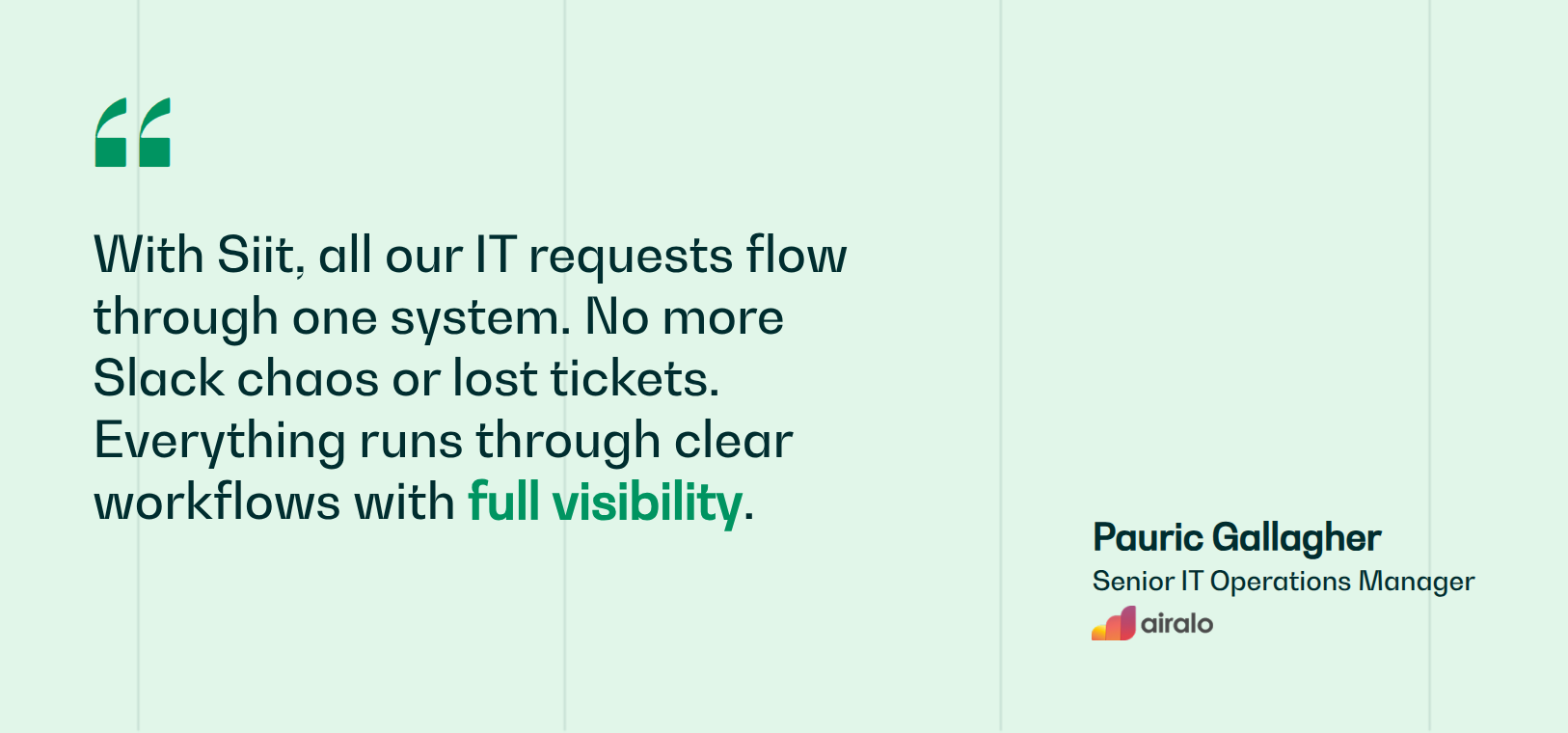
Siit is built for that reality. It captures HR and IT requests in Slack and Teams, triages them with AI, executes approvals and system updates end-to-end, and charges only for admins. Teams like Airalo scaled internal support on Siit while sustaining a 90% satisfaction score as ticket volume tripled in their first year. Your HR team gets published SLAs and one auditable trail per request, without asking a single employee to learn a new tool.
Book a demo to see Siit triage HR requests inside Slack and Teams.



FAQ

The trigger is usually loss of visibility, not volume. Once requests routinely go missing, nobody can say how long resolutions take, or the same questions recur without a knowledge base to absorb them, informal channels have stopped scaling. A rough signal: when your HR team spends more time locating and chasing requests than resolving them. Small teams can delay this move, but audit needs and cross-department handoffs tend to force it.
Implementation speed depends on three technical variables: how many integrations you configure at launch, whether you migrate historical tickets and knowledge base articles, and how many custom workflows you build before going live. Training adoption matters equally, since a system goes live when employees start using it, which is usually well after admins finish configuration. Deployment risk clusters around incomplete data mapping when syncing HRIS fields, so validate employee records, org structures, and approval hierarchies in staging before rollout.
Beyond the role-based access and audit trails mentioned in the article, prioritize systems that support data residency controls to meet regional storage laws, automated data retention policies that purge expired records per legal schedules, and field-level encryption for personally identifiable information (PII) such as national ID or compensation data. Ensure the vendor undergoes regular penetration testing, offers granular permission models that let you hide specific case types from general staff, and provides tamper-proof logs for investigations requiring chain-of-custody evidence.
HR ticketing systems are designed to complement your existing HRIS, not replace it. Your HRIS remains the system of record for employee data while the ticketing layer handles intake, routing, and workflow execution. Bidirectional integrations sync employee records, org charts, and lifecycle events automatically, so HR teams get full context without manual data entry. This layered approach lets you keep investments in Workday or HiBob while adding structured request management where employees already work.
AI handles high-volume, low-ambiguity requests well: policy lookups, PTO balance questions, benefits FAQs, and status updates where the answer already lives in your knowledge base. It also triages and routes accurately once categories and ownership are clearly defined. Anything involving judgment or sensitivity, such as harassment complaints, medical leave, terminations, or compensation disputes, should route straight to a person. A good system deflects the repetitive volume while preserving a clear human escalation path for cases that carry legal or emotional weight.